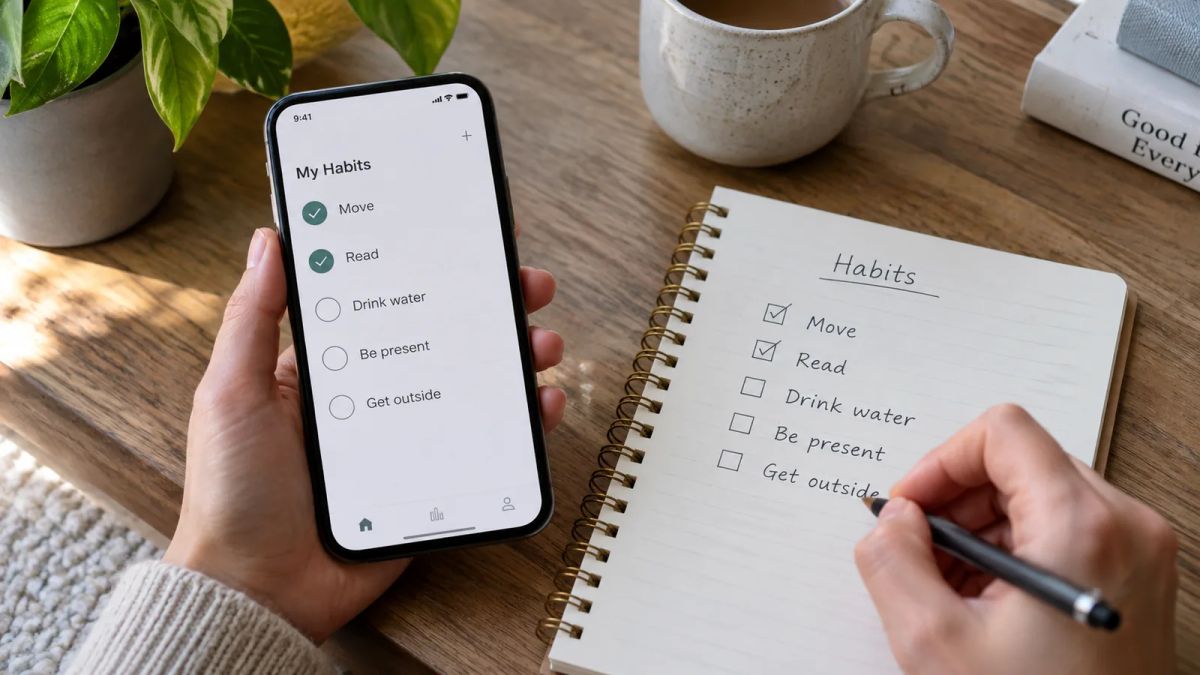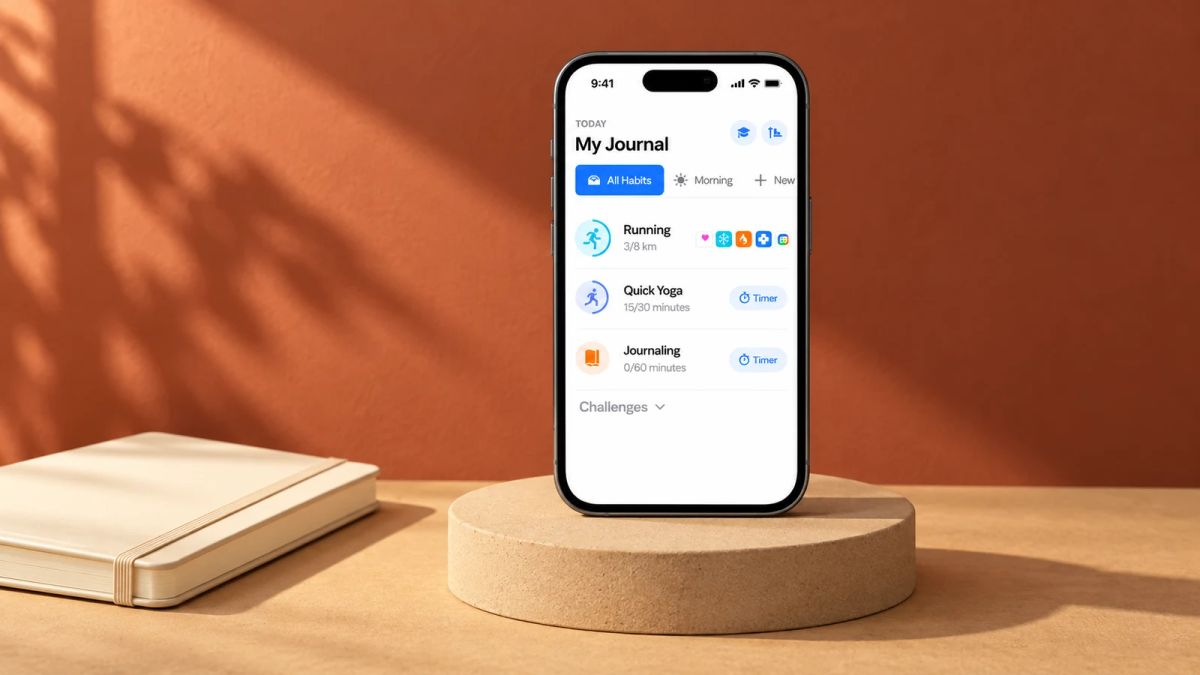
Open your phone, tap once, and get on with your day. That's the whole ask behind a simple habit app, and it's why so many people go looking for one after a fortnight of fighting a cluttered tracker.
Most habit apps start clean and slowly turn into a dashboard. The thing you wanted to do, mark a habit done, ends up behind graphs, scores, badges and a settings screen. A minimalist habit tracker strips that back. You see your habits, you tap, you're out. Nothing to read, nothing to interpret, nothing to manage.
Below are eight apps that keep the daily action small. Some are free, some are paid, and they run on different platforms, so the notes flag what you're getting into. One of them is ours, and we've said so plainly.
What a simple habit app leaves out
A clean screen is only part of it. The simple habit apps here share a handful of decisions about what to leave out:
- A one-tap daily action, front and centre, with the check-off the first thing you see.
- Few numbers to read, and no performance graphs asking to be interpreted.
- Little setup. You add a habit and go, instead of configuring goals, tags and reminders first.
- Quiet by default, with optional reminders instead of a stream of nudges.
Then they split on one question: do you want the push of a streak, or an app where a missed day resets nothing? That one choice sorts this list more than platform or price does.
Grow a real meadow for showing up
Little and Often is run by the Meadow team, so treat this as the in-house pick and hold it to the same test as the rest.
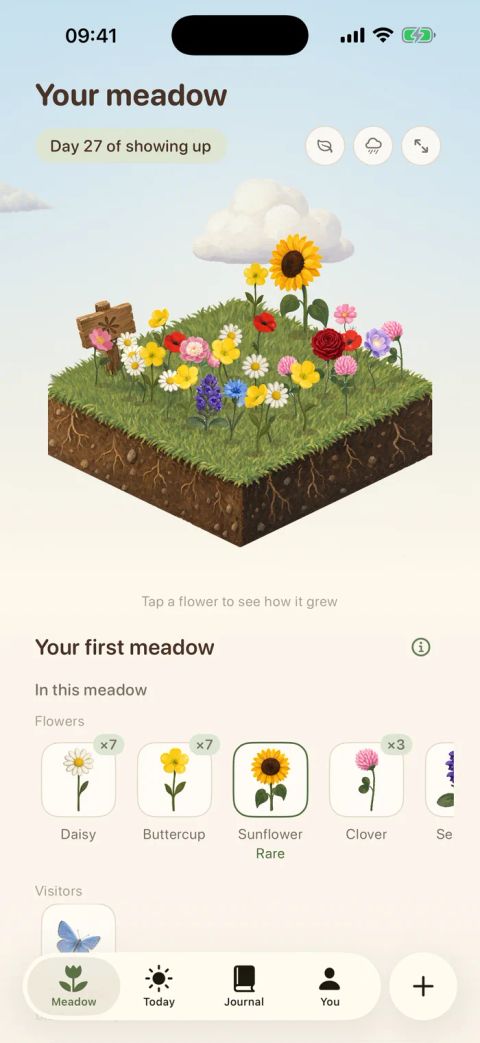
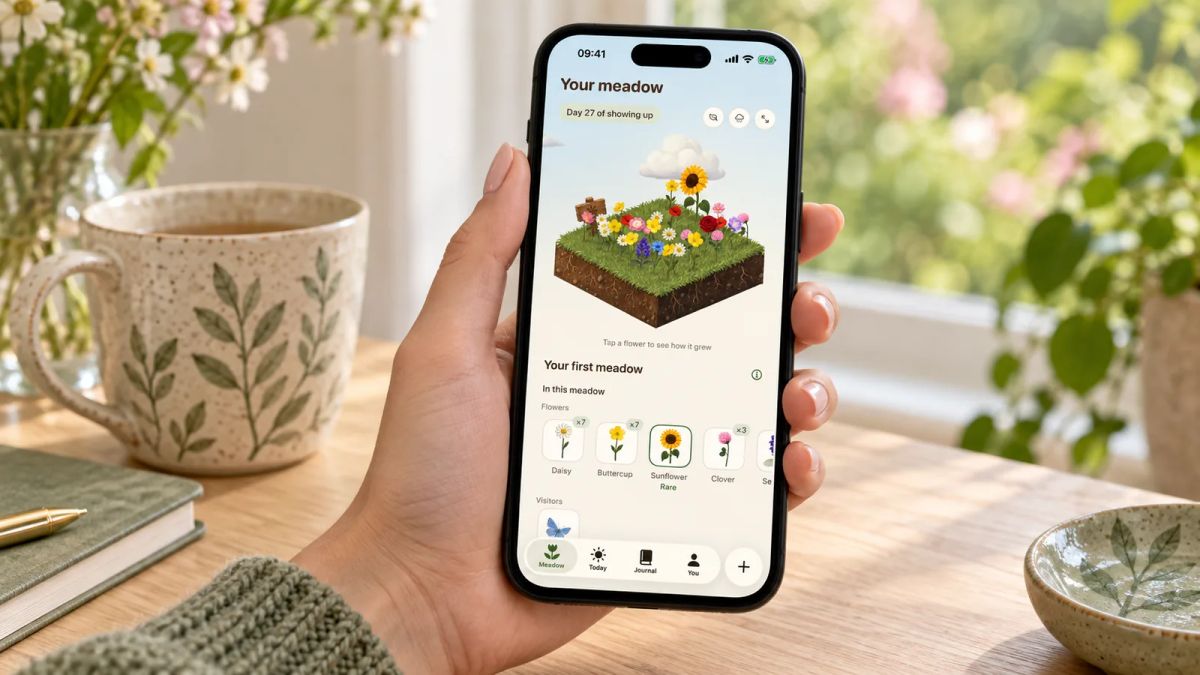
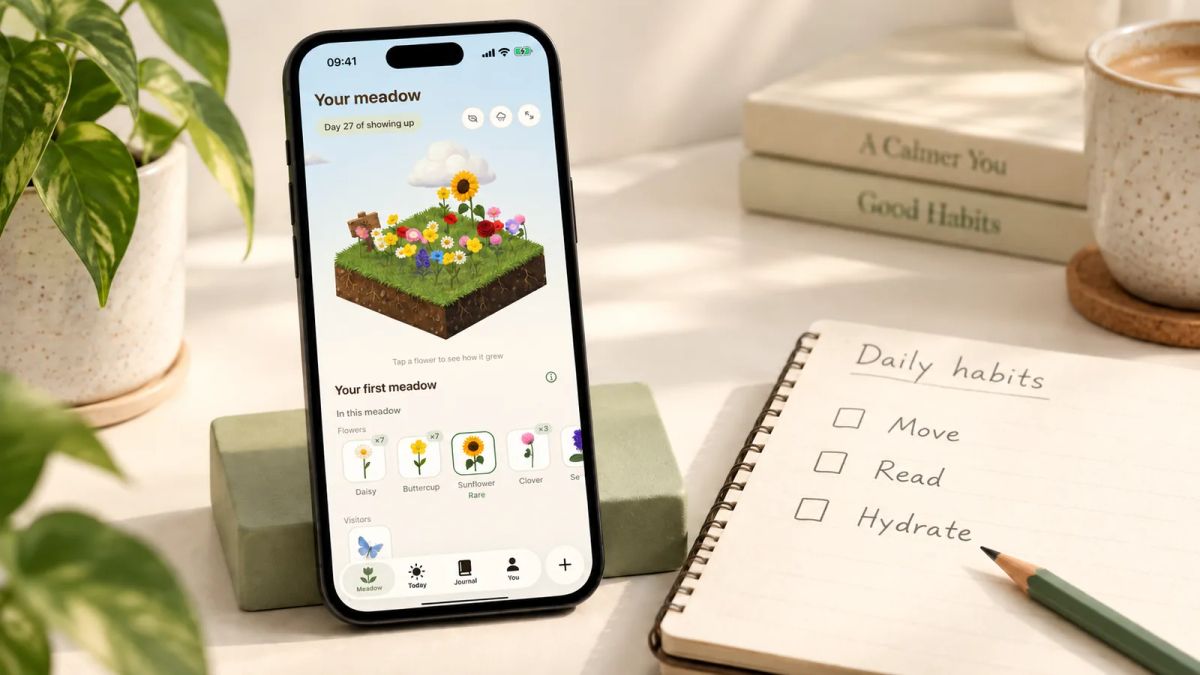
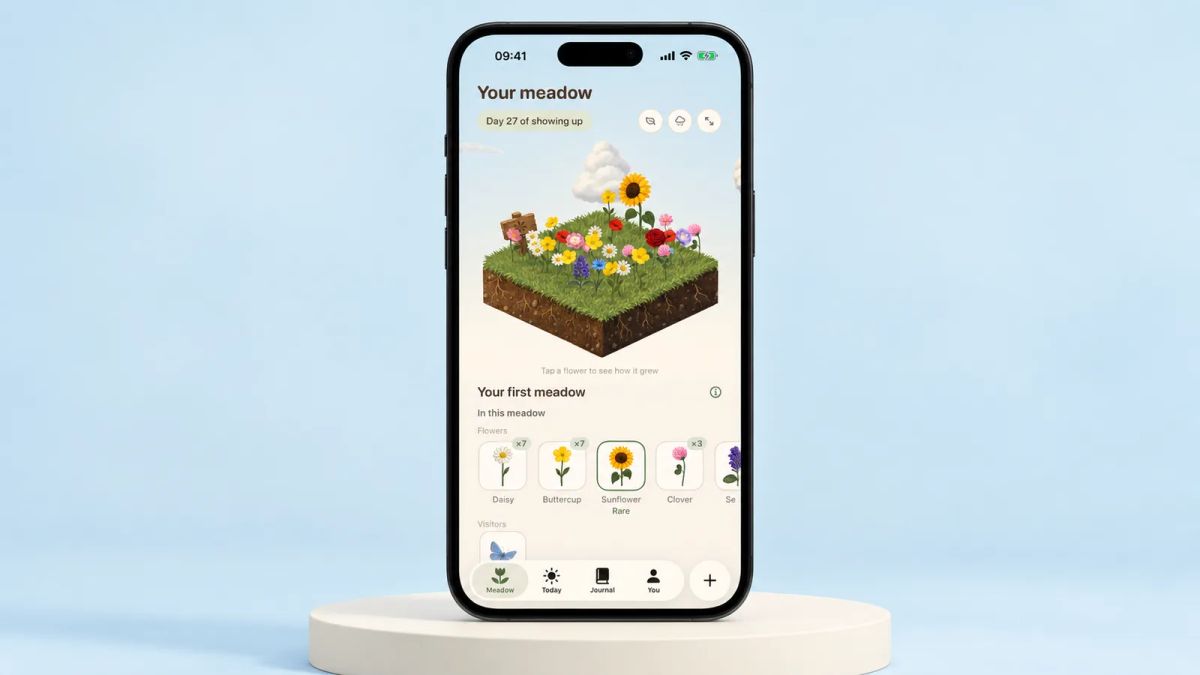
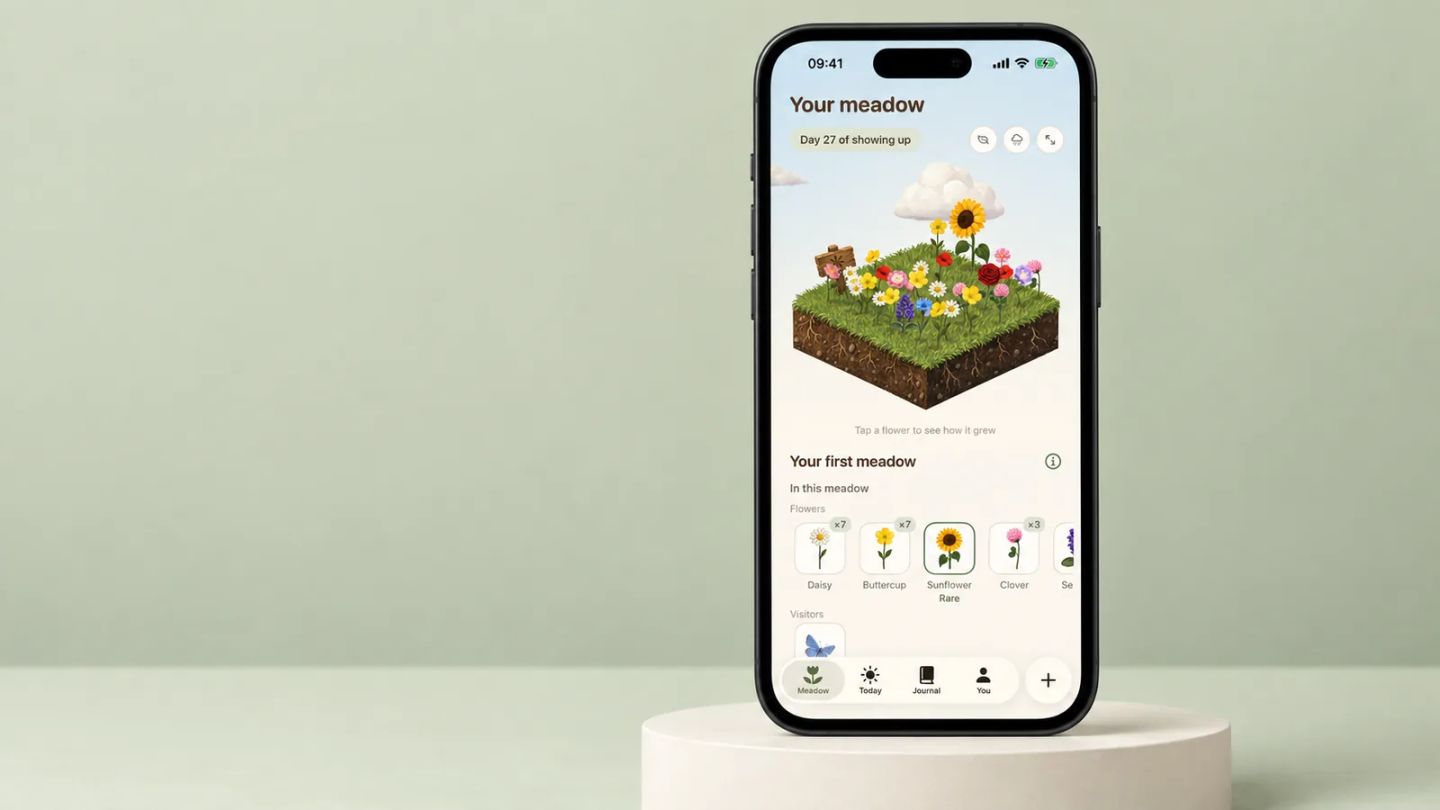
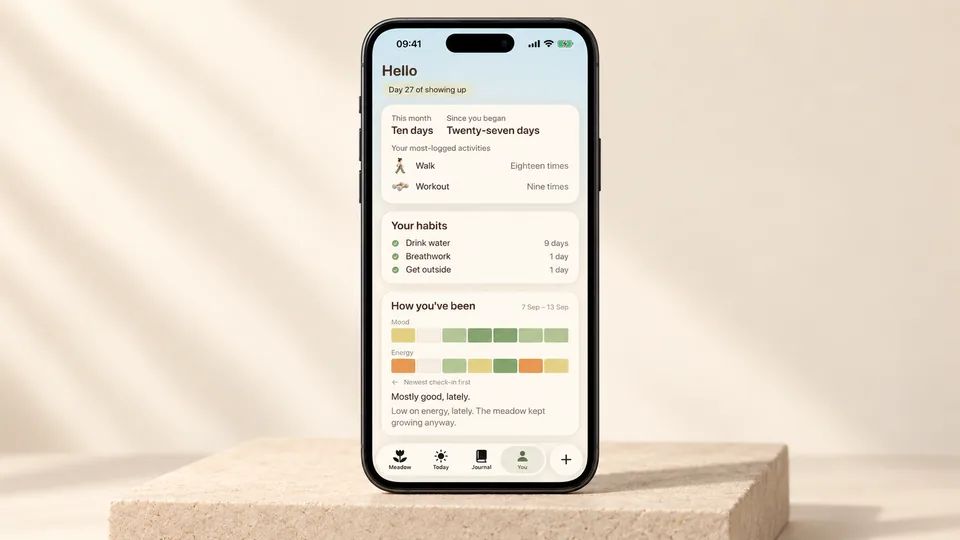
Meadow is a paid app for iPhone, made by Wildcard Wellness. The daily action is small. Log a walk or a few minutes of movement with a timer, tick off a habit or two like drinking water or getting outside, and note your mood and energy. Each day you show up, a new wildflower blooms in a meadow that's yours alone. Keep going and rare flowers appear, and small animals wander in.
There are no streaks. Miss a day, a week or a month and nothing resets, and your flowers don't wilt, so you pick up whenever you're ready. That removes the one thing that makes most trackers stressful, the fear of breaking a number you've built up. There's also a built-in breathwork feature you can practise alongside the meadow you've grown, plus a daily journal for one good thing and a short morning affirmation.
It's iPhone-only, and it's a paid app rather than a free one, so it suits people who'd put a little money towards something calm over something busy. If you want the smallest possible starting point, pair it with one tiny habit and let the flowers do the rest. See it at growyourmeadow.com.
Loop Habit Tracker
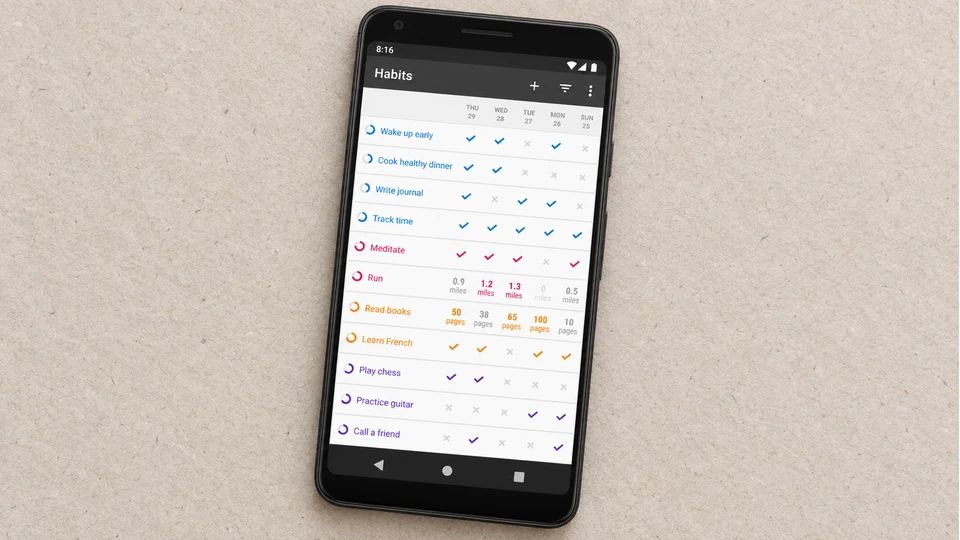
If you're on Android and want free with no catch, Loop is the one to try first. It's free, open source under the GPLv3 licence, and carries no ads and no account. Everything stays on your phone and works offline.
The main screen is a plain list of habits with checkmarks. Instead of a hard streak, Loop gives each habit a strength score, so a good run builds it up and a missed day chips at it without wiping months of progress in one go. It also handles habits that aren't daily, like three times a week or every other day.
The catch is the platform. Android only, with no iPhone or web version. For a lot of people that's the whole of the downside, and given the price, which is nothing, it's an easy one to recommend. You can find it at loophabits.org.
Streaks
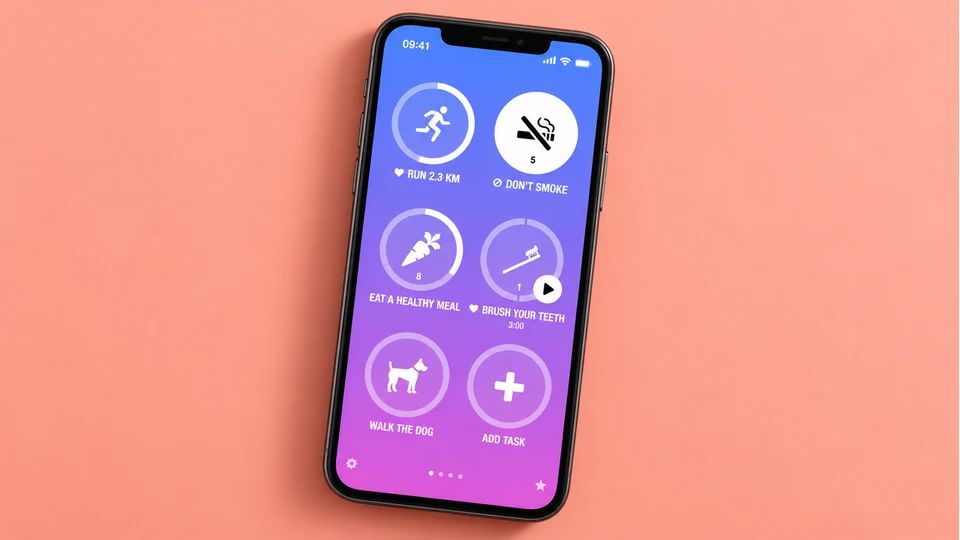
Streaks is the tidy Apple pick, and it won an Apple Design Award back in 2016. You get a grid of large, tappable icons, room for up to 24 tasks, and a one-time price with no subscription. It runs on iPhone, Apple Watch, iPad, Mac and Vision Pro, and it can log some habits through Apple Health, so steps or workouts tick themselves off.
It's built around streaks, as the name says, and that's the trade-off. If a broken run knocks the wind out of you, this may not be your app. If a streak is the thing that gets you moving, few apps do it more cleanly. It sits at roughly 4.8 stars across tens of thousands of ratings, so plenty of people find it clicks. See it at streaksapp.com.
Done
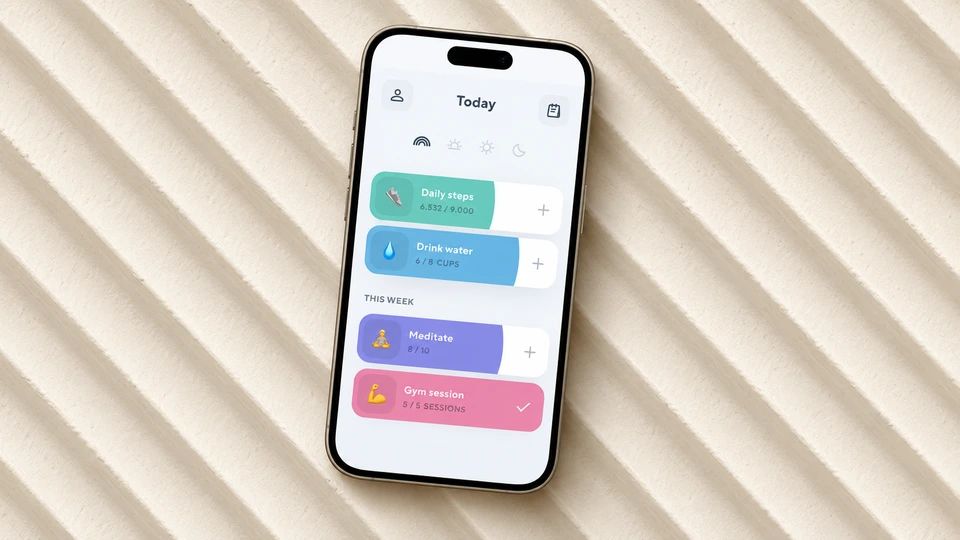
Done keeps the interface to coloured circles you tap, and it adds one thing most minimalist trackers skip: multi-count habits. If your goal is three glasses of water or two short walks, you tap more than once and it counts up, so a plain yes or no doesn't flatten something you do several times a day.
It runs on iPhone and Mac, with a free tier for a couple of habits and a one-time Pro purchase for unlimited habits, iCloud sync and Apple Health. Scheduling is flexible too, so specific weekdays or every few days is quick to set without hunting through menus. It suits people who want tap-and-go but track a few things by amount rather than a straight tick. You can get it on the App Store.
Everyday
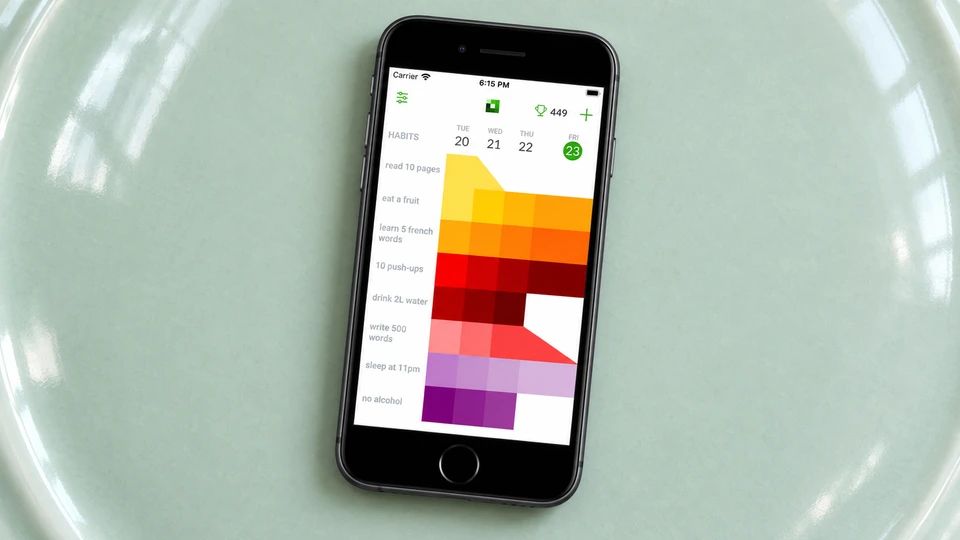
Everyday shows your habits as a grid, with days across the top and habits down the side, and you fill in the squares. The pull of an unbroken row does a lot of the work, and there's a separate mode for habits you're trying to break, the colour fading as you go.
It's one of the few simple trackers that runs almost everywhere: iPhone, Android, iPad, Mac, Apple Watch and the web, all in sync. The free version covers up to three habits, which is plenty for a first go, and a paid plan opens up unlimited habits. The grid can start to feel cramped once you're tracking a lot, so it's happiest kept short. If you move between a phone and a laptop through the day, that spread of platforms is the reason to pick it. It's at everyday.app.
Habitify
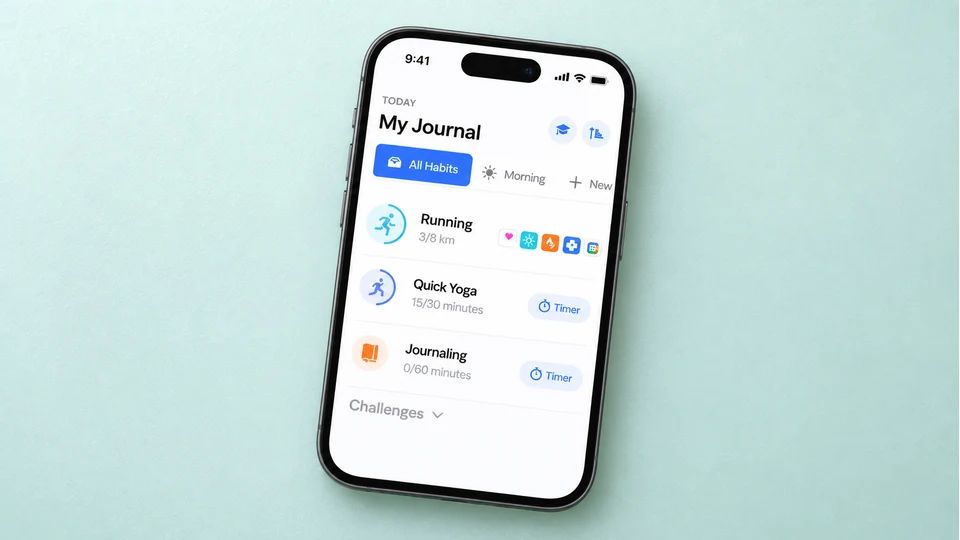
Habitify is the most polished of the cross-platform options, and it sorts habits by time of day, morning, afternoon and evening, so your list reads like a plan for the day. It handles simple yes-or-no habits as well as timed or quantity ones, and syncs across iPhone, Android, web, Mac and Apple Watch.
There's more reporting here than a strict minimalist wants, though you can ignore it and live in the tick boxes. Free covers three habits with sync, while unlimited habits and the deeper features sit behind a paid plan, and pricing differs depending on whether you buy through the website or the App Store. It suits someone who wants clean daily check-ins now and the option of detail later. See it at habitify.me.
Way of Life

Way of Life keeps the daily input to a few taps using colour. Green for a good day, red for a missed one, and a skip option for days that don't count. Over weeks and months those colours build into trend lines, so you can spot a habit slipping before it drops away entirely.
It runs on iPhone and Android, is free to start, and moves to a paid plan for more habits and full history. The trends are the draw, and they nudge it a step past bare-bones simple. If you like a clear record and the odd glance at how a month went, it fits. You'll find it on the App Store and Google Play.
TickTick, used as a simple tracker
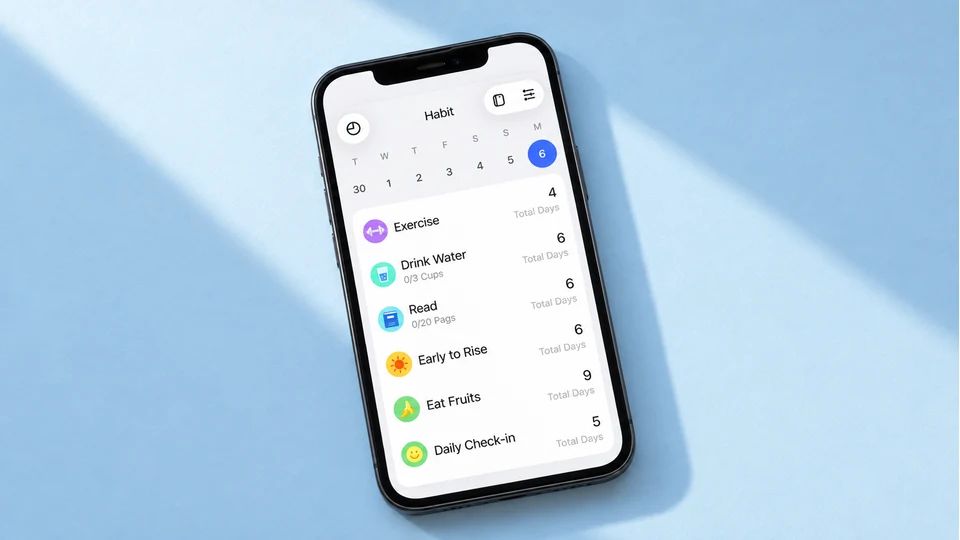
TickTick is a full task manager and calendar, so it's the odd one out here, but it has a built-in habits section you can lean on if you already live in the app. Habits sit next to your to-dos, you set a time of day, and you tap to check in from your phone or desktop.
Used lightly, it makes a fine simple habit app. Keep it to two or three habits and don't open the stats. The free tier holds around five habits, and the habit statistics are a paid feature, which is no loss if you weren't going to read them anyway. Pick this only if you want tasks and habits in one place. As a dedicated tracker on its own, the apps above are simpler. It's at ticktick.com.
How to pick the one for you
Start from your phone and your budget, and the list shrinks fast:
- On Android and want free forever: Loop Habit Tracker.
- All-in on Apple and happy to pay once: Streaks, or Done if you count habits by amount.
- Switching between devices all day: Everyday or Habitify for the cross-platform sync.
- Already using TickTick for tasks: turn its habits on and stop there.
- On iPhone and you'd sooner grow something calm than chase a streak: Meadow.
Whichever you choose, keep the habit itself small enough to do on a bad day, and start with two or three, not ten. If you want more on the trade-offs between the Apple options, our guide to the best habit tracker app for iOS goes deeper, and for the wider picture of what a habit tracker can and can't do for you, start there.
And if you drop off for a week, you don't have to start over. Reopen whatever you picked, tick today, and carry on. The apps that leave your progress alone make that easier, but even a streak-based one only asks you to begin a fresh run, not to win back what's gone.
The best simple habit app is the one you'll open tomorrow morning without thinking about it. Download one, add a single habit, and tap it done today.
AUTHOR
Co-founder of Meadow.
Ash is co-founder of Meadow, a habit and movement tracking app that turns small acts of self-care into a growing wildflower meadow.
Little and often, with Meadow
Consistency, not intensity.
Meadow turns the movement you enjoy and the habits that help you feel good into a meadow of wildflowers. No streaks to break, and your flowers never wilt.
Download Meadow