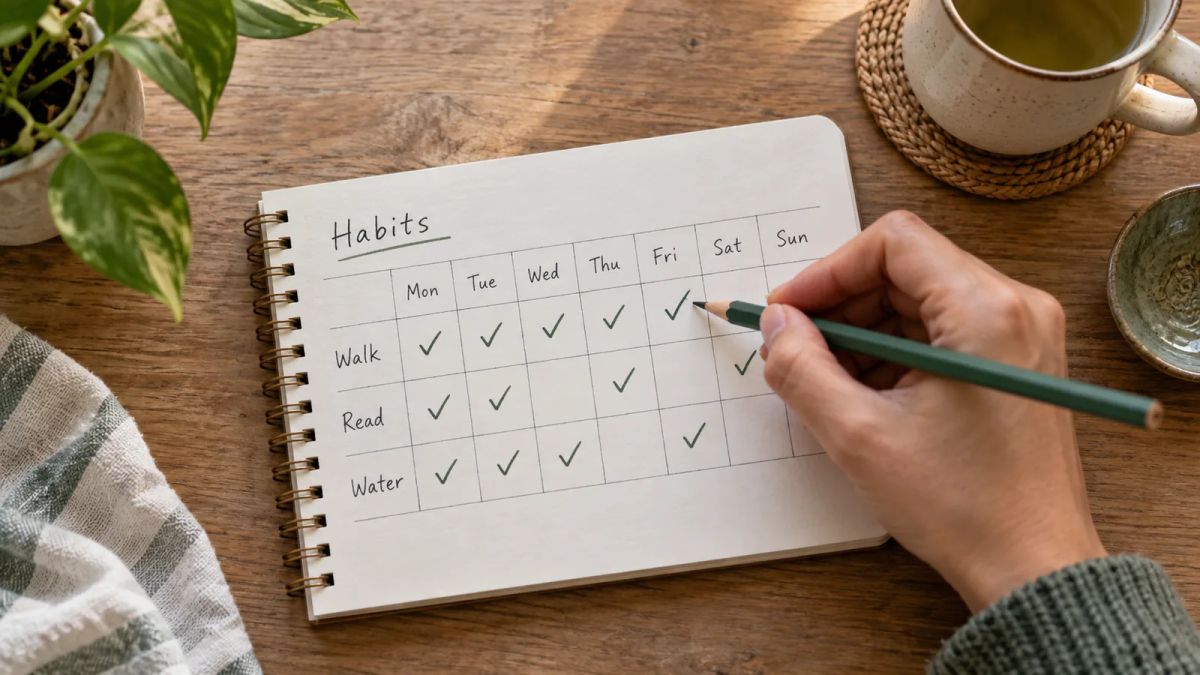
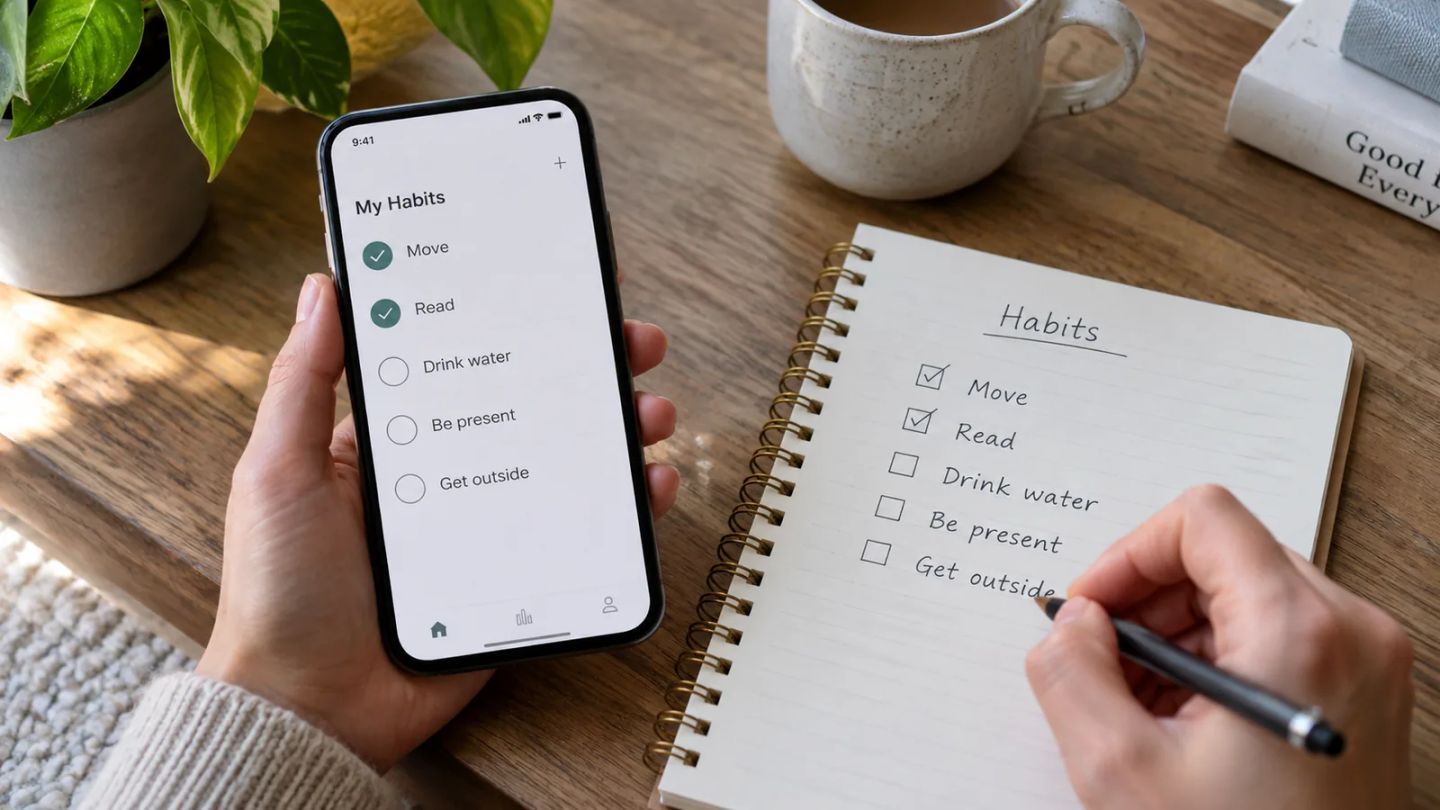
A free habit tracker app should cost you nothing and still let you track the habits you care about. The snag is that "free" means different things across the app stores. Plenty of apps that call themselves free cap you at three habits, or they hand you the checklist and lock the charts behind a subscription the moment you look closely.
This list separates the properly free from the freemium, and it flags every habit limit up front. If you want a free habit tracker app with unlimited habits, a couple of the picks below give you exactly that, and I'll point them out.
Here's how I judged each one: what you get without paying, whether there's a cap on the number of habits, which phones it runs on, and the honest downside. No app is perfect, and a checklist that costs money you resent is a checklist you'll abandon by Thursday.
1. Loop Habit Tracker: free, open-source, and no cap at all
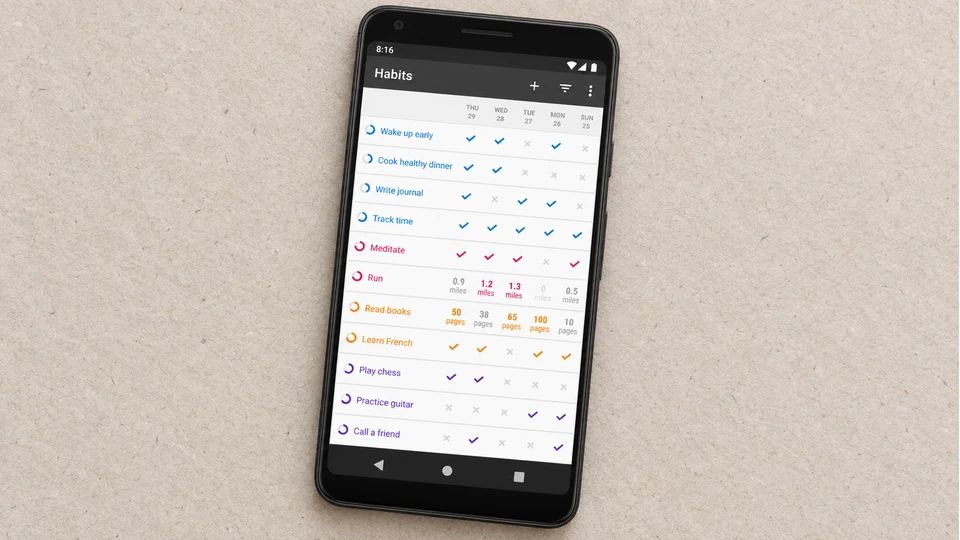
Loop is the closest thing to a fully free habit tracker app with unlimited habits. It's completely free and open source, with no ads and no in-app purchases, so there's no paywall waiting to appear once you've added your fourth or fifth habit. You can track as many as you like.
It keeps things plain. You tick habits off, and Loop builds detailed graphs and a habit-strength score that treats a long run kindly, so a couple of missed days after weeks of consistency won't wipe your progress the way a broken streak might. Everything lives on your device, with no account to create.
The trade-off is the platform. Loop is Android only, downloadable from Google Play and F-Droid, with no iPhone version and no cloud sync between devices. The look is functional over pretty.
Best for: Android users who want to track any number of habits for nothing, forever. Not for you if: you're on an iPhone, or you want your data to follow you across phones.
2. Habitica: free and unlimited, wrapped in a game
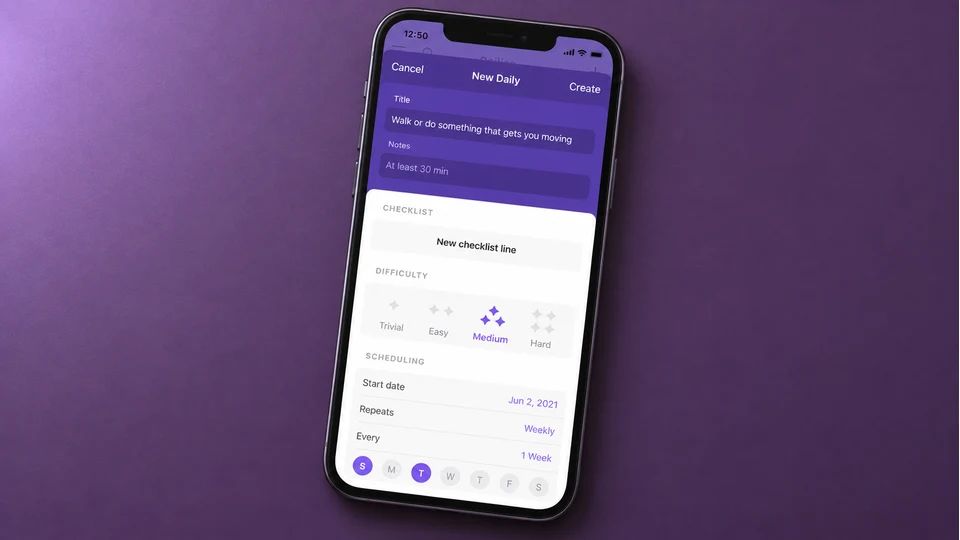
Habitica turns your habits into a role-playing game. You build a character, real habits and to-dos earn gold and experience, and letting them slide costs your character health. Join a party with friends and your slacking nudges the group, which adds a bit of social pull.
The part that suits this list: it's free to use, and the free version doesn't cap how many habits, dailies or to-dos you add. The optional subscription is largely cosmetic, buying pets, quests and rewards, while the tracking stays free. Habitica runs on iPhone, iPad and Android, with a web version so one account follows you everywhere.
The game can cut both ways. If levelling up motivates you, brilliant. If the upkeep starts to feel like one more chore, the whole thing can tip into work.
Best for: people who need play and a bit of friendly pressure to keep going. Not for you if: you want a quiet checklist with no characters to feed.
3. Habitify: a tidy free tracker, capped at three habits
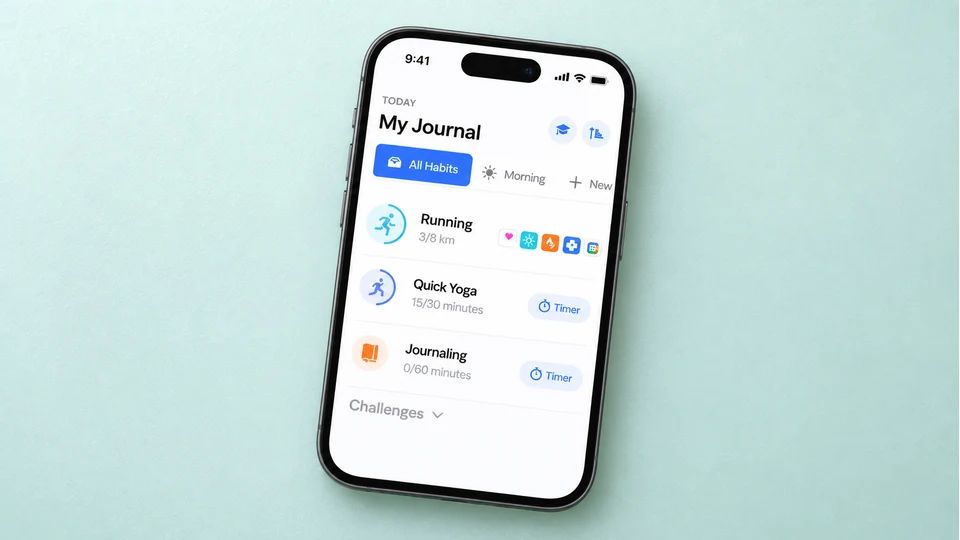
Habitify is the calm, well-organised option for people who like clean stats and a look-back at their week. You get streak calendars, notes and mood logging, and Habitify syncs across iPhone, Android, Mac, Apple Watch and the web.
Be clear on the free limit before you commit. As of its 2026 tiered pricing, the free plan tracks up to three active habits with one reminder each. That's enough to test whether the app suits you, but if you're building a morning routine of five or six small habits, you'll hit the ceiling fast. Lifting the cap to unlimited habits means moving to the paid Plus tier.
Best for: anyone easing in with two or three habits who wants proper charts on every device. Not for you if: three habits won't cover what you're tracking.
4. TickTick: habits bundled into a to-do app
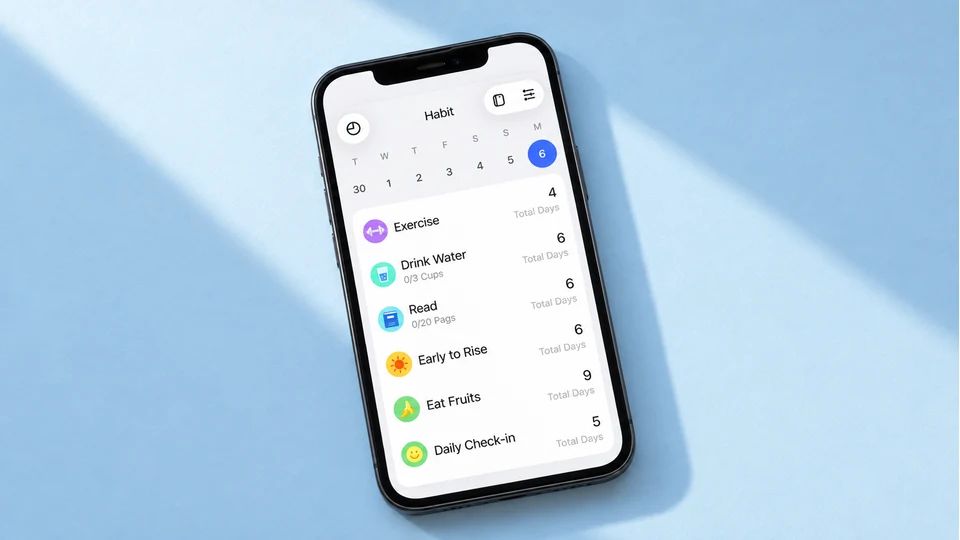
TickTick is a to-do list, calendar and habit tracker in one, which is handy if you'd rather not run a separate app for habits. The free plan includes habit tracking, so you can build a small set of daily habits alongside your tasks and reminders.
The free tier caps you at around five habits, and the richer habit statistics, the heatmaps and long-range trends, sit in the paid Premium plan. App prices change, so check TickTick's current pricing before you assume a number. For a handful of habits kept next to your calendar, though, the free plan does the job.
TickTick runs on iPhone, Android, the web, Mac and Windows.
Best for: people who want tasks, calendar and a few habits in a single free app. Not for you if: you want deep habit analytics, which live behind Premium here.
5. Finch: free self-care with habits attached
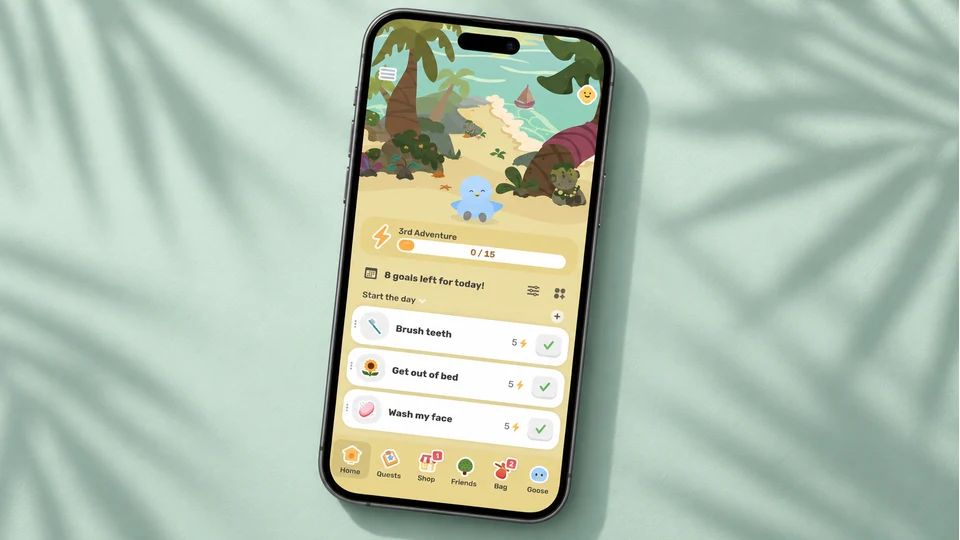
Finch pairs habit tracking with a self-care companion. You look after a little bird by doing small daily things, from a breathing exercise to a short walk to a mood check-in, so the app leans warm and encouraging where a plain checklist can feel cold.
For a free habit tracker app, Finch is generous. Journaling, mood and goal tracking, the core self-care exercises and the pet care are all free, with no ads. Finch runs on iPhone and Android. The paid Finch Plus tier mostly adds cosmetic extras, more outfits, prompts and seasonal items, so you can build the habit without ever paying.
Best for: people who want gentle wellbeing prompts and a bit of comfort with their tracking. Not for you if: you want precise progress data and find the pet a distraction.
6. Way of Life: free for trends, if three habits is enough

Way of Life has been going for years and centres on colour-coded trends. You mark each habit yes, no or skip, and the charts show whether a habit is heading the right way, which helps for cutting something down as much as building something up.
Like several here, the free version caps you at three habits, with unlimited tracking held in the paid tier (commonly around a few pounds a month, and worth checking on your own store page). Way of Life is on iPhone and Android.
Best for: people who think in trend lines and want to spot a slipping habit early. Not for you if: you're tracking more than three habits and don't want to pay.
7. HabitNow: a free Android option with a one-off upgrade
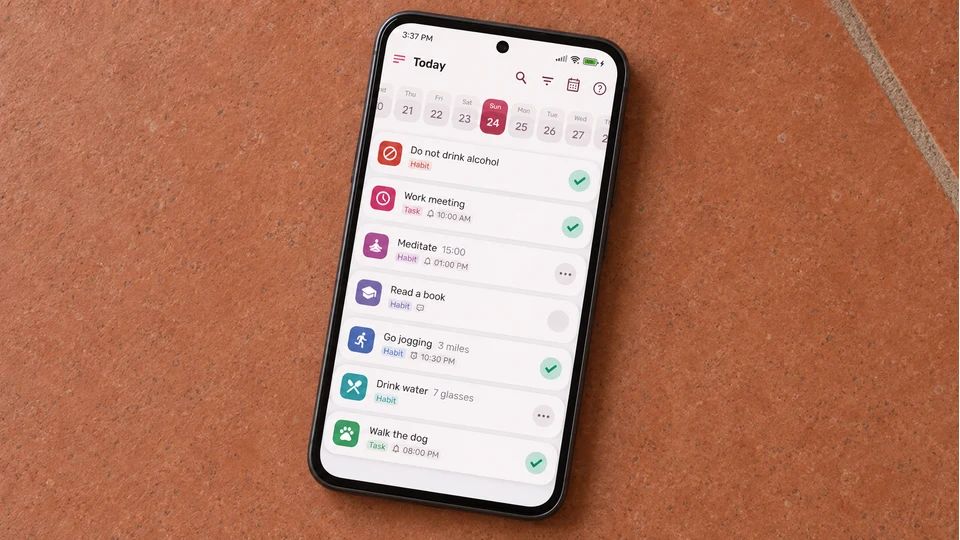
HabitNow gets recommended a lot on Android, and it's worth knowing why. It handles habits, routines and timers, and its paid tier is a one-off payment instead of a subscription, which many people prefer to another monthly bill.
The free version is limited. In practice it stops at around five habits, and the extras arrive with a single premium purchase that removes the cap and the ads. HabitNow is Android only, with no iPhone version, so if you're on an iPhone, look elsewhere on this list.
Best for: Android users who'll happily pay once to own the full app instead of renting it monthly. Not for you if: you're on iOS, or you want everything free from the start.
8. A spreadsheet: free, unlimited, and yours to shape
Before you download anything, the humble spreadsheet deserves a mention. Google Sheets and Excel are free to use, they run on any device, and they let you track unlimited habits with zero paywalls. A grid of habits down the side and days across the top, an X in each box, and you have a tracker no app can revoke.
It won't send you reminders or draw clever streak graphs on its own, and it takes a minute to set up. But for a free habit tracker app with unlimited habits, nothing beats a page you control. If you'd rather step away from screens entirely, a paper version does the same job, and our guide to the physical habit tracker walks through printable and paper options.
Best for: anyone who likes to tinker and wants total control for free. Not for you if: you need nudges and won't remember to open the file.
A calmer, paid option worth knowing about
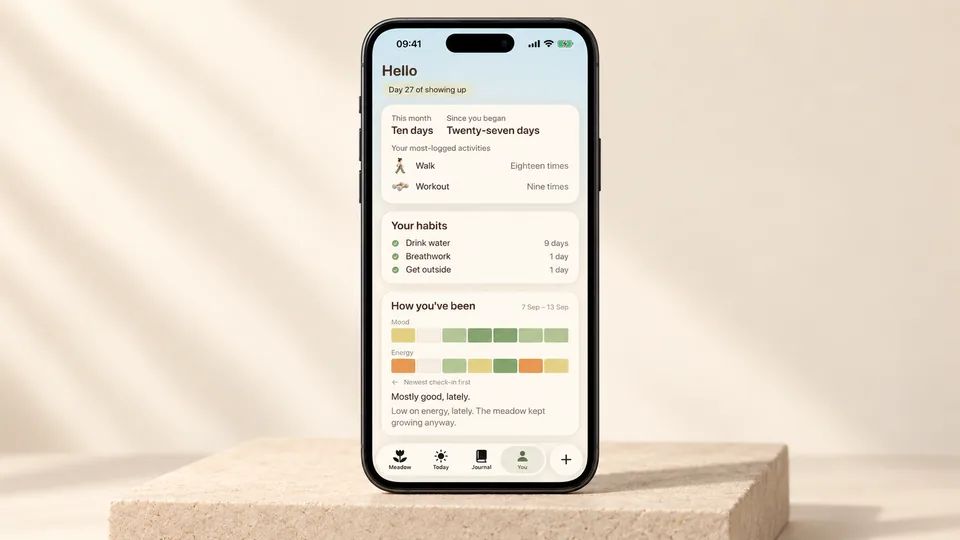
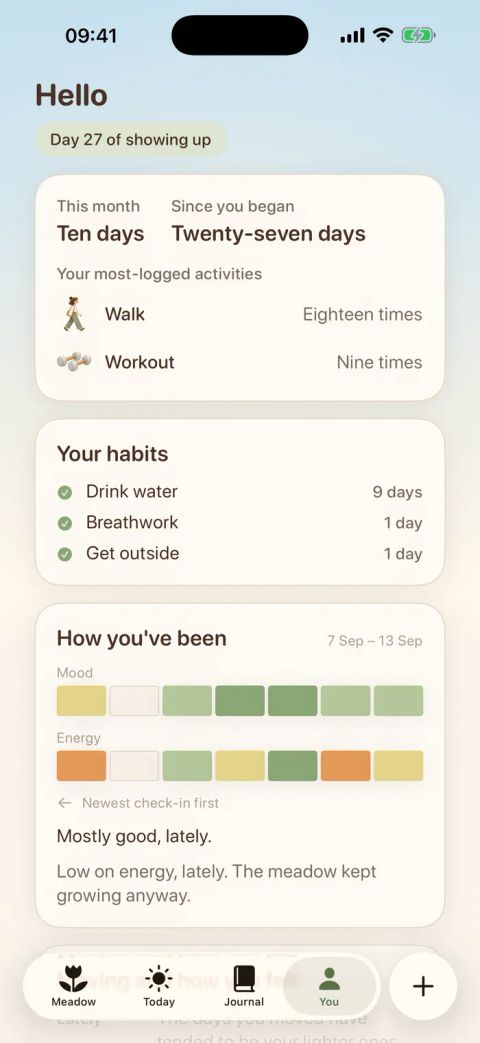
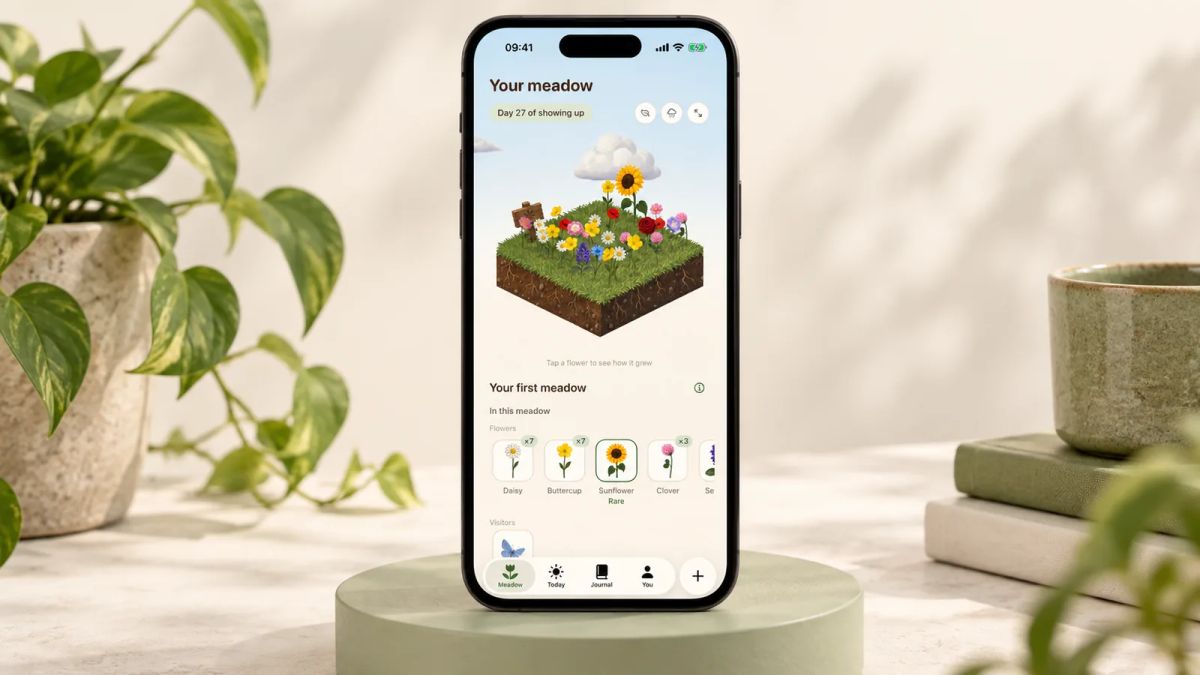
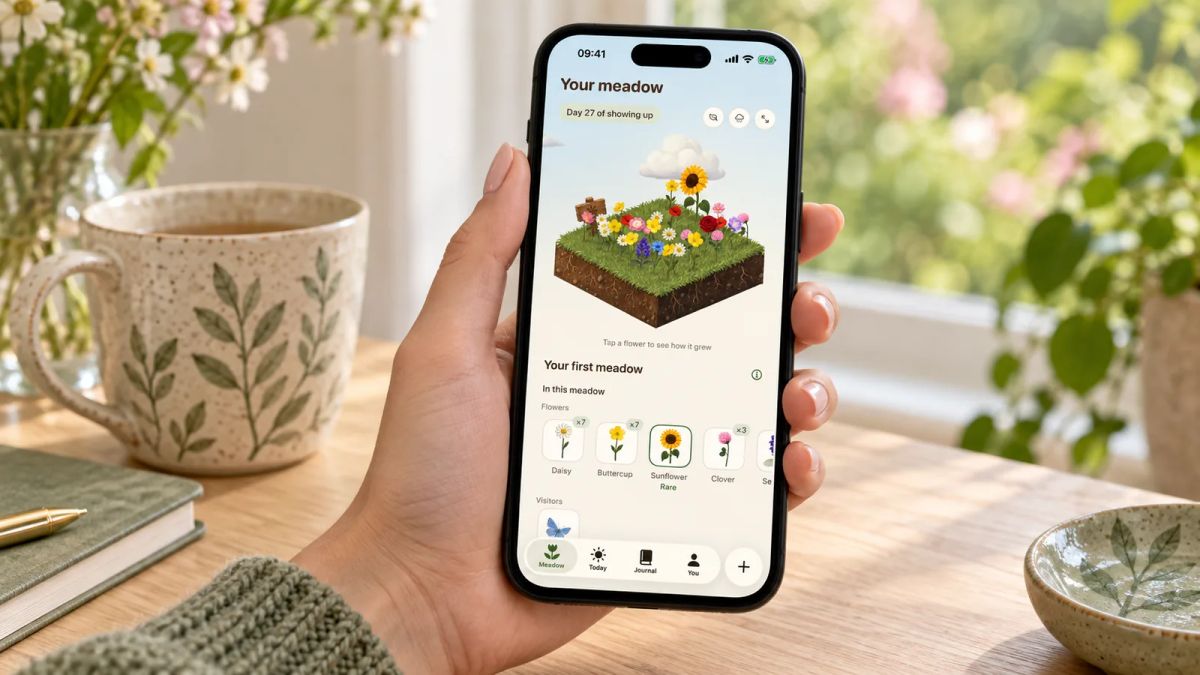
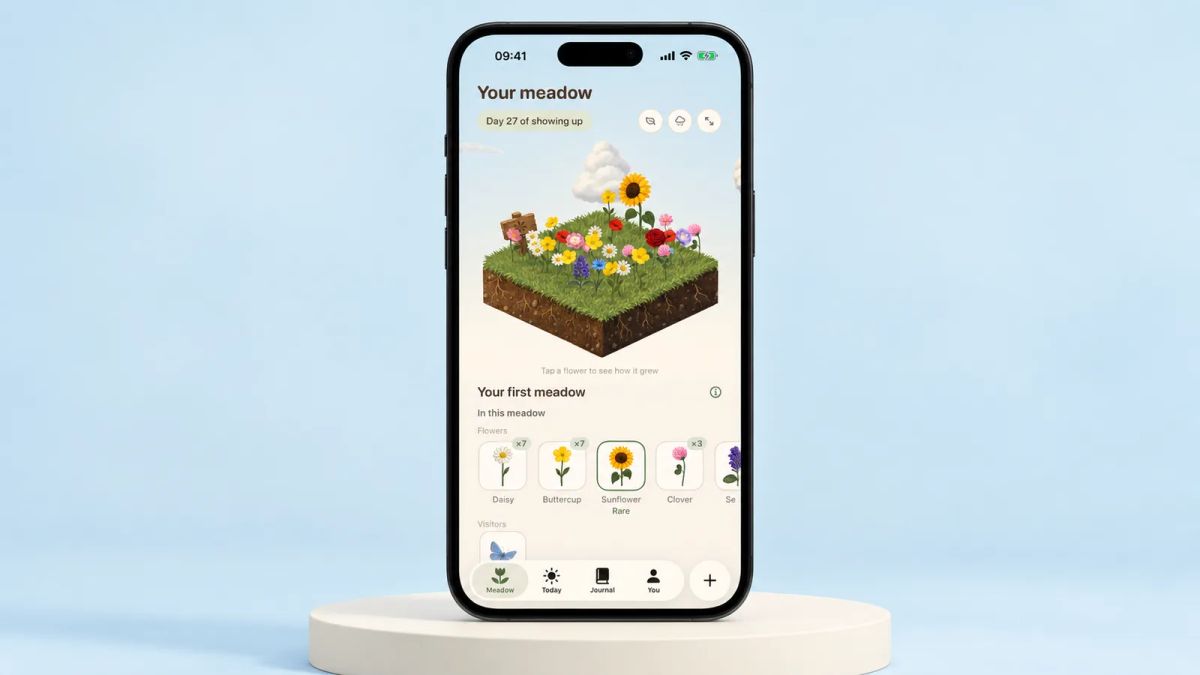
Every option above costs nothing to begin with, so this one sits on its own. Meadow is a paid app for iPhone, and Little and Often is run by the Meadow team, so read this as us being open about our own product rather than slipping it into a free list where it doesn't belong.
Instead of counting streaks, Meadow grows a real wildflower meadow from your real-life efforts. Log a walk or tick off a small habit and a new flower blooms in a meadow that's yours alone. Miss a day, a week or a month and nothing resets, and your flowers never wilt, so there's no broken chain to punish a bad week. It also has a breathwork feature you can practise alongside the meadow you've grown.
If counting and streak guilt are the reason free trackers keep failing you, Meadow is worth a look once you've tried the free picks. There's more on it in our best habit tracker app for iPhone roundup.
How to choose your free habit tracker app
Start with your phone, because it rules half the list out in one move. On Android, Loop gives you unlimited habits for nothing and HabitNow adds routines if you'll pay once. On iPhone, Habitica is your free-and-unlimited pick, with Finch close behind if you want a softer feel.
Then be honest about how many habits you're tracking. If you're tracking two or three, the caps on Habitify, Way of Life and TickTick won't bother you, and their free tiers are pleasant to use. If you're tracking six or eight, only the uncapped options, Loop, Habitica and the spreadsheet, will hold everything without asking for money.
Next, think about how you react to a missed day, since that's where most habit tracking falls apart. Streak-first apps reward an unbroken chain, which fires some people up and makes others quit the moment it breaks. If a broken run has ended past attempts, lean towards a tracker that treats a gap kindly.
Whichever you land on, the act of tracking has decent evidence behind it. A meta-analysis of 138 studies found that prompting people to monitor their progress towards a goal was associated with a greater chance of reaching it, across many kinds of goals. That doesn't prove any one app will make a habit stick, but it does mean the checklist earns its place, whatever you keep it in. Our wider look at what a good habit tracker does can help you decide what to log.
Tonight, before you put the phone down, download one free app from this list, add a single habit tied to something you already do each day, and set the reminder. That one habit, logged once, is your tracker already started.
AUTHOR
Co-founder of Meadow.
Ash is co-founder of Meadow, a habit and movement tracking app that turns small acts of self-care into a growing wildflower meadow.
See how far you've come
Your habits, moods and little wins, all in one place
Meadow keeps track of the walks, the water and the good days, so you can look back and watch your effort add up.
Download Meadow