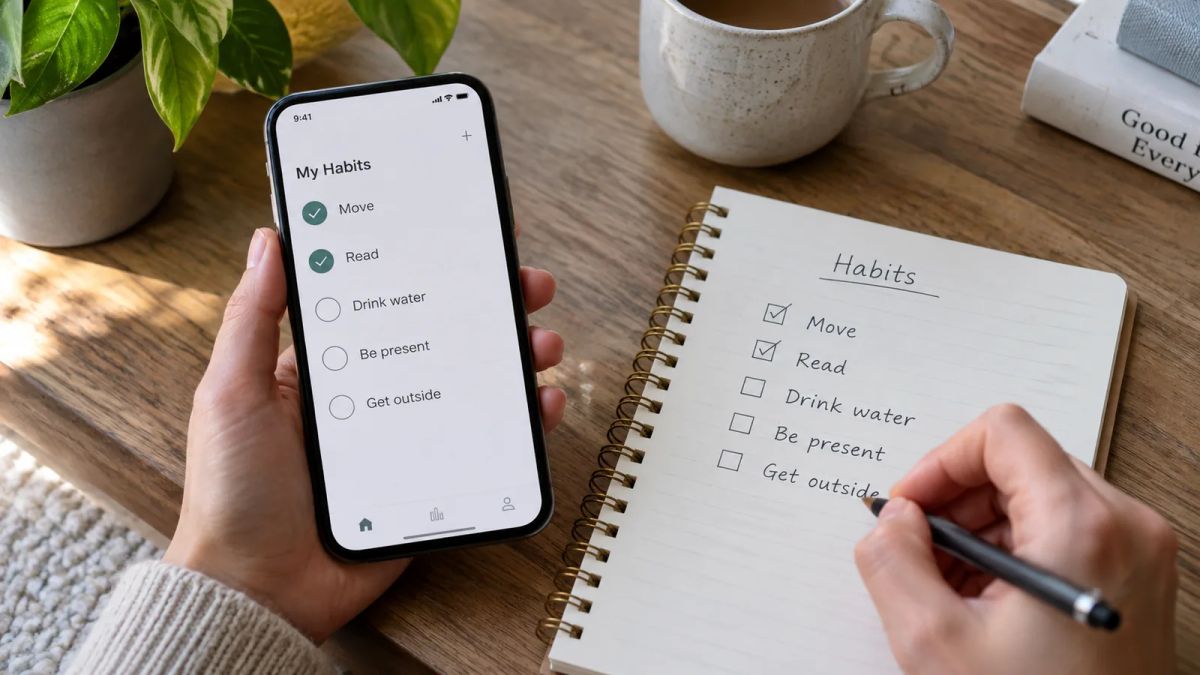

The best habit tracking apps are the ones you'll still open in three weeks, whatever phone you're holding. The features come second. A clever tracker you abandon by the second Thursday can't help you build anything, so the whole game is finding one that fits how you behave.
This is the general roundup, sorted by fit rather than star ratings. Some of these run everywhere. Some are tied to one platform. Each entry below spells out where it works, whether it's free or paid, the one thing it does better than the rest, and a real drawback, so you can pick without a nasty surprise at the checkout.
If you're on an iPhone and only want Apple options, our separate guide to the best habit tracker app for iPhone goes deeper on those. This list is wider, covering Android, web and cross-device picks alongside them.
One thing to say plainly first. Little and Often is run by the Meadow team, so our own app sits at the top of our own list. We think it earns the spot for the kind of reader this site is written for, and we're honest about who should scroll past it. Most of the apps here are good.
1. Meadow: best for a gentle, no-streak restart
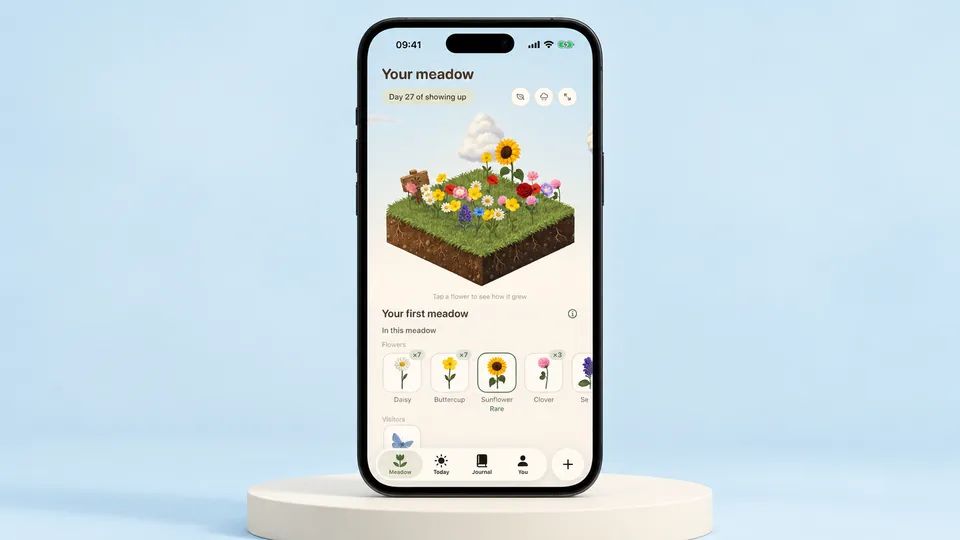
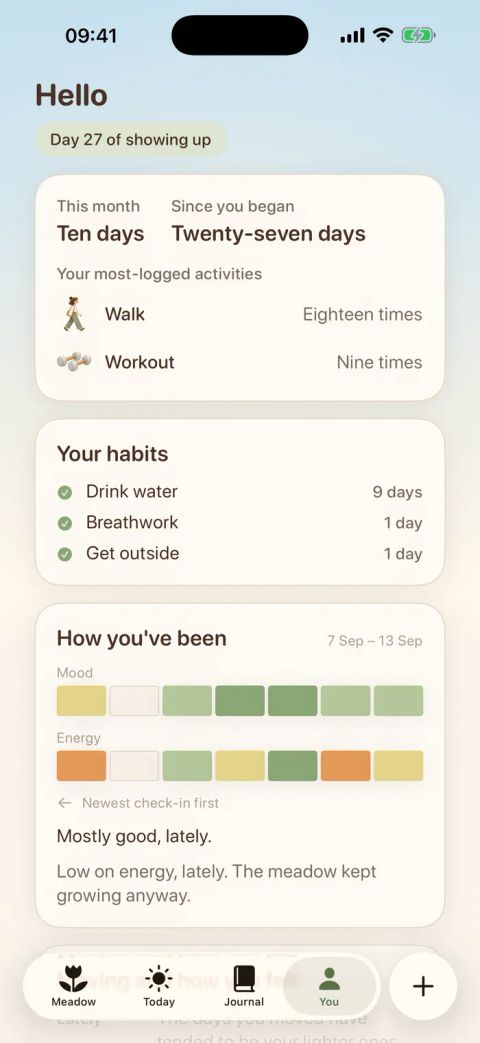
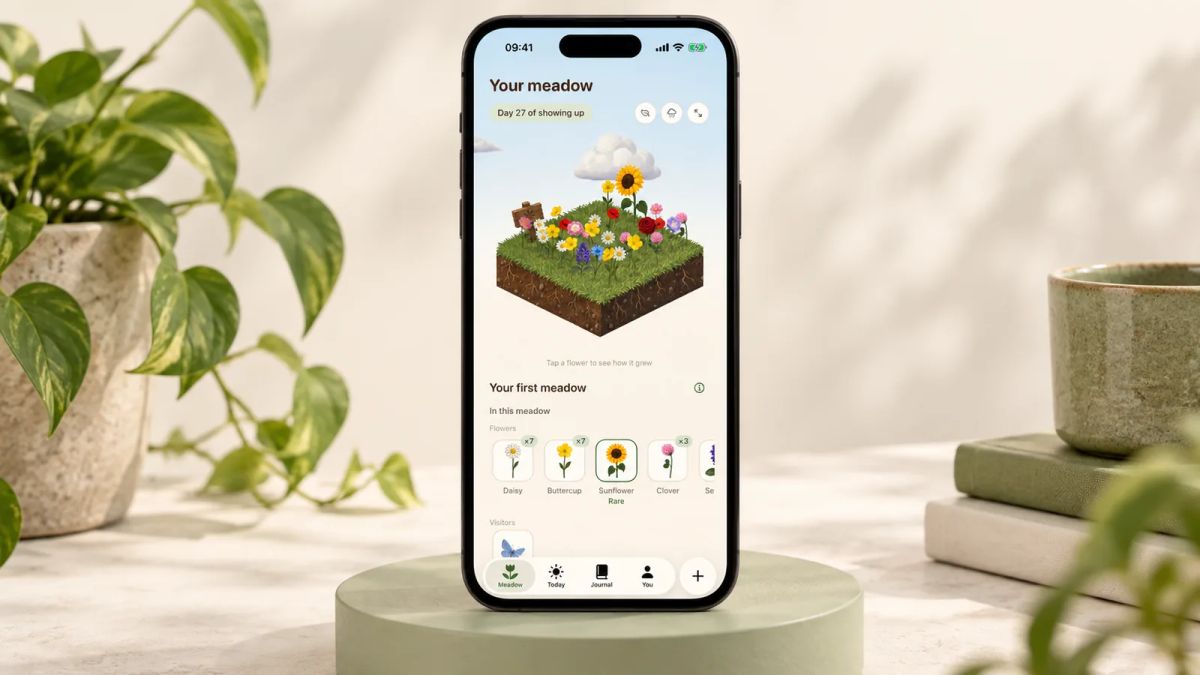
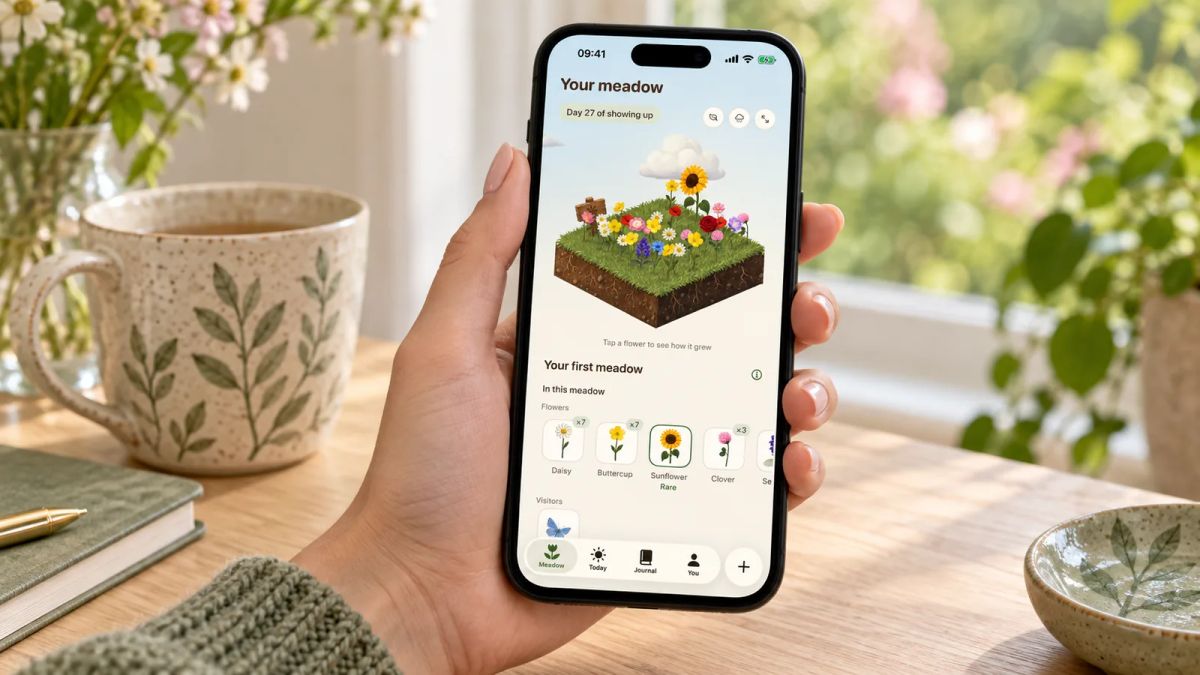
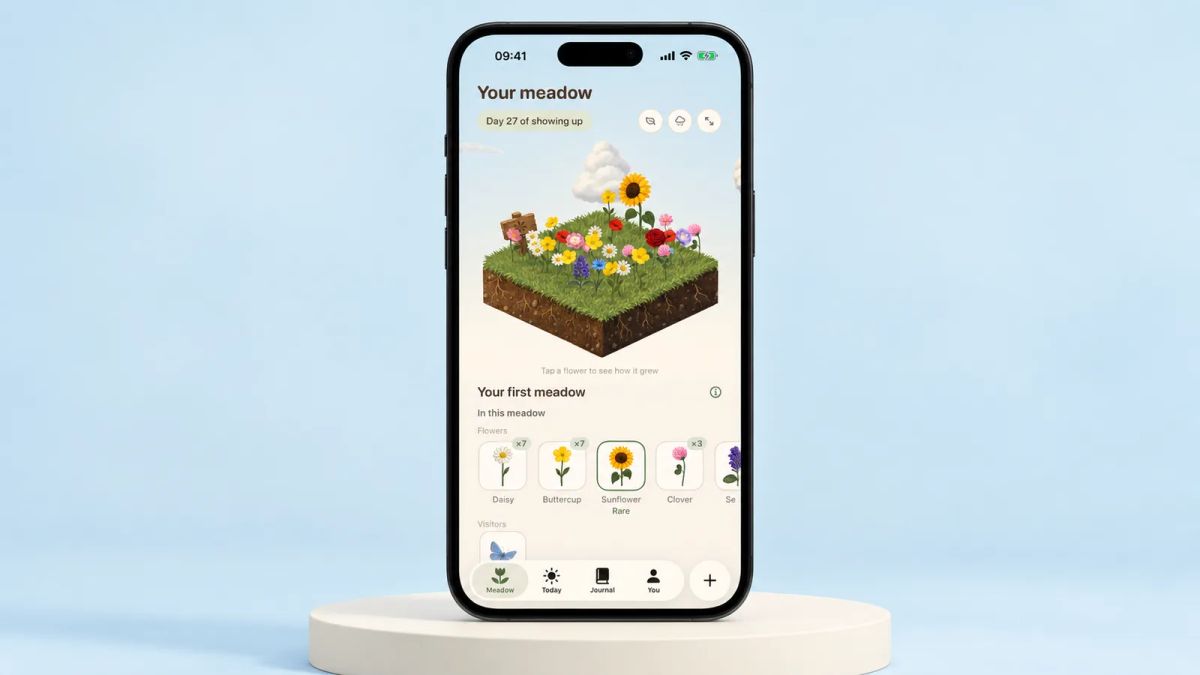
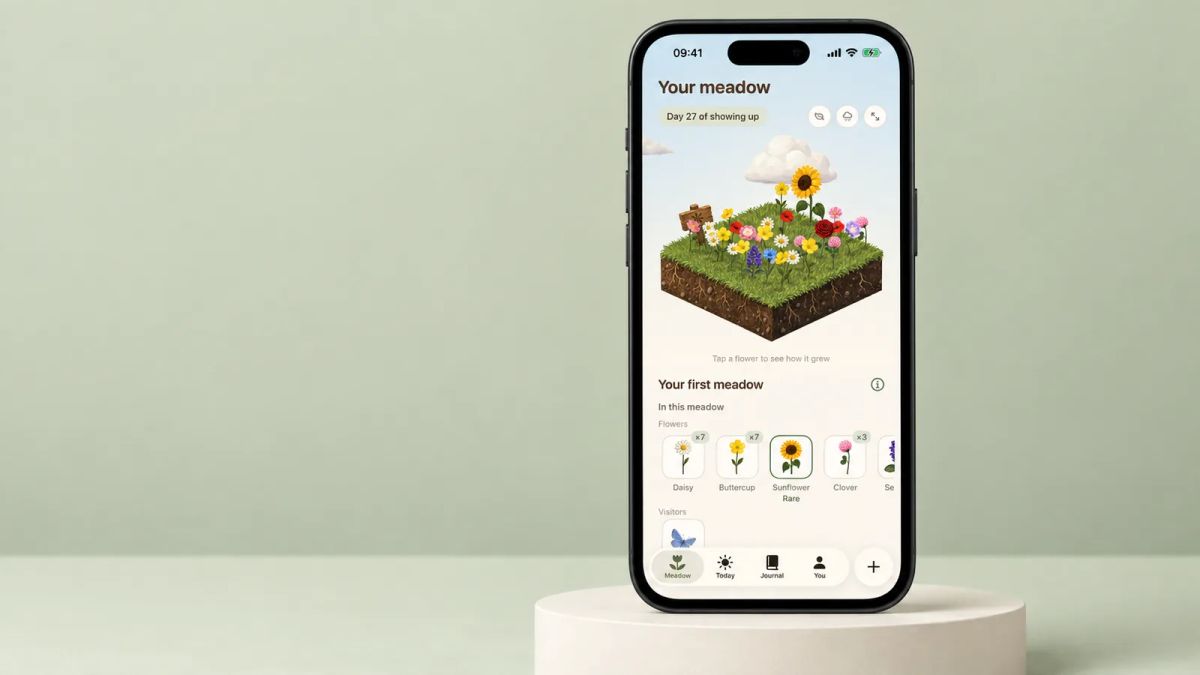
Some weeks you show up every day and some weeks life gets in the way, and Meadow is built for the second kind. It's an iPhone app where a wildflower meadow fills in as you go. You tick off the small daily habits you've chosen, from drinking water to getting outside, and log movement you enjoy with a timer, so a walk, a little yoga or a dance around the kitchen all count. Each day you show up, a fresh wildflower blooms in a meadow that's yours alone, with rare flowers and the odd animal visitor turning up over time.
What sets it apart is what happens when you slip. There are no streaks, so miss a day, a week or a month and nothing resets. Your flowers stay put and you pick up whenever you're ready. There's a built-in breathwork feature too, so you can practise your breathing alongside the meadow you've grown, and you can note your mood and energy and jot down one good thing each day. Meadow is a paid app, and it's iPhone only, both of which we'd rather you knew up front. Little and Often is run by the Meadow team. You'll find Meadow on the App Store.
Best for: anyone who has started habits before and quit the moment they missed a day. Not for you if: you're on Android, or you want free forever and deep spreadsheets, in which case read on.
2. Habitify: best for data on every device
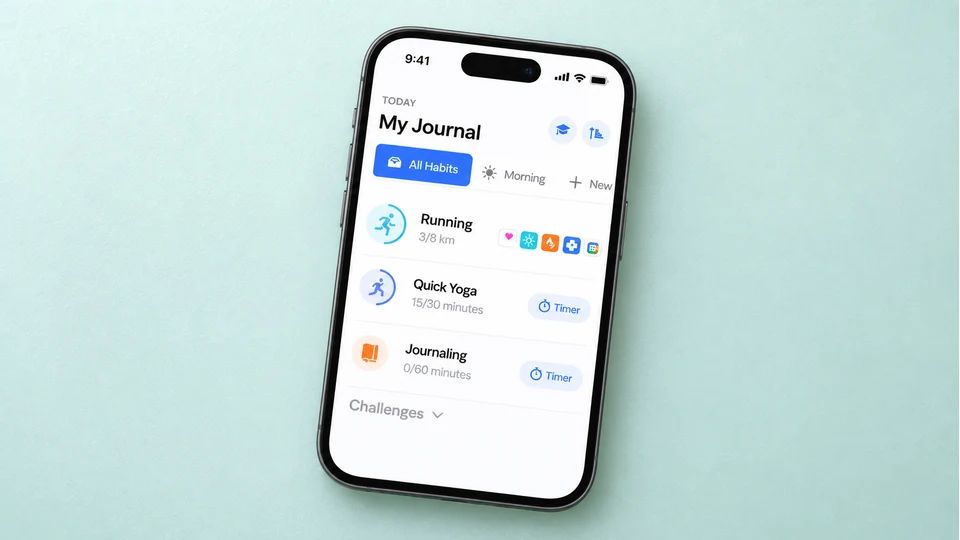
Habitify is a calm, tidy tracker for people who like to look back and read the pattern in numbers. You get calendar streaks, statistics, notes and mood logging, plus links to Apple Health, and your data syncs across everything you own. It's one of the few dedicated habit apps that treats Android, iPhone, Mac and the web as equal citizens.
There's a free tier capped at three habits, which is enough to test whether the app sticks. Premium lifts that cap and adds the deeper analytics. At the time of writing the Habitify pricing page lists premium at $2.49 a month billed annually, or a one-time lifetime purchase of $59.99, and prices can change, so check before you buy. Habitify covers iPhone, Android, Mac, Apple Watch and the web.
Best for: anyone tracking several habits across a mix of devices who wants proper charts. Not for you if: three habits is all you'll ever track, since the nicer stats live behind the paywall.
3. TickTick: best if habits and to-dos live in one place
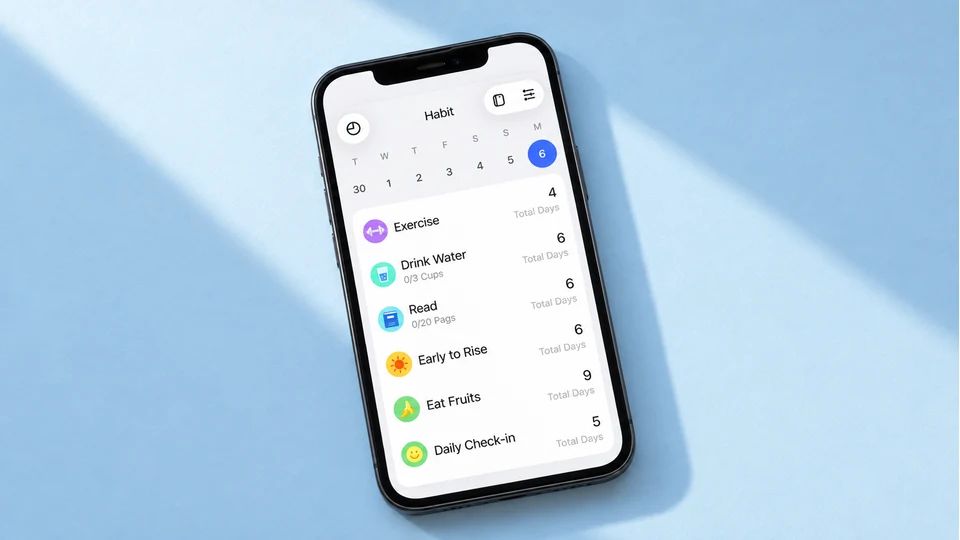
TickTick is a to-do app first and a habit tracker second, which is the point. If your habits and your task list already compete for attention, folding them into one app removes a lot of friction. The habit feature lets you set daily, weekly or custom targets with streaks, and it sits next to a calendar, a Pomodoro timer and your ordinary tasks.
It runs almost everywhere, on iPhone, Android, Windows, Mac and the web, with a useful free tier. At the time of writing TickTick Premium is $3.99 a month or $35.99 a year, which adds more habits, richer stats and the calendar features, and pricing can shift, so confirm on the site. The free plan caps how many habits you can track.
Best for: people who want one app for tasks, calendar and habits across every screen they use. Not for you if: you want a dedicated habit tracker, since the habit side is lighter than a specialist app.
4. Loop Habit Tracker: best free, open-source pick on Android
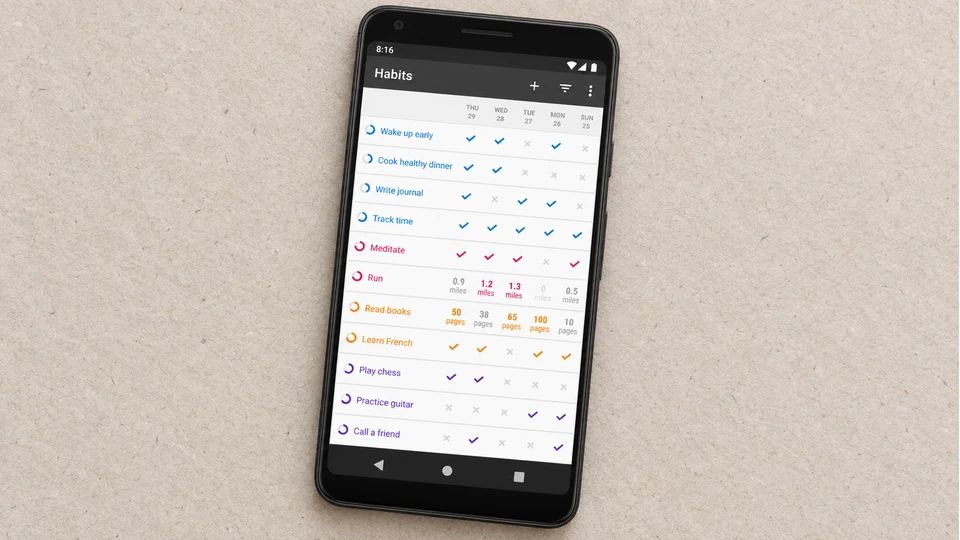
Loop is the answer when you want something free, private and fast, with no account and no ads. It's an open-source Android app under the GPLv3 licence, and it works offline, so your data never leaves the phone. The scoring is the clever part. Rather than a brittle streak, it calculates a habit strength that climbs with each repetition and dips gently when you miss, so a couple of off days after a long run don't wipe your progress.
It handles flexible schedules like three times a week, shows detailed graphs, and has excellent home-screen widgets for quick check-ins. Loop Habit Tracker is free on Google Play, with a strong rating from a large base of reviewers.
Best for: Android users who want a free, no-nonsense tracker that respects their privacy. Not for you if: you're on iPhone, since there's no iOS version, or you want reminders and social features baked in.
5. Habitica: best if a game gets you moving
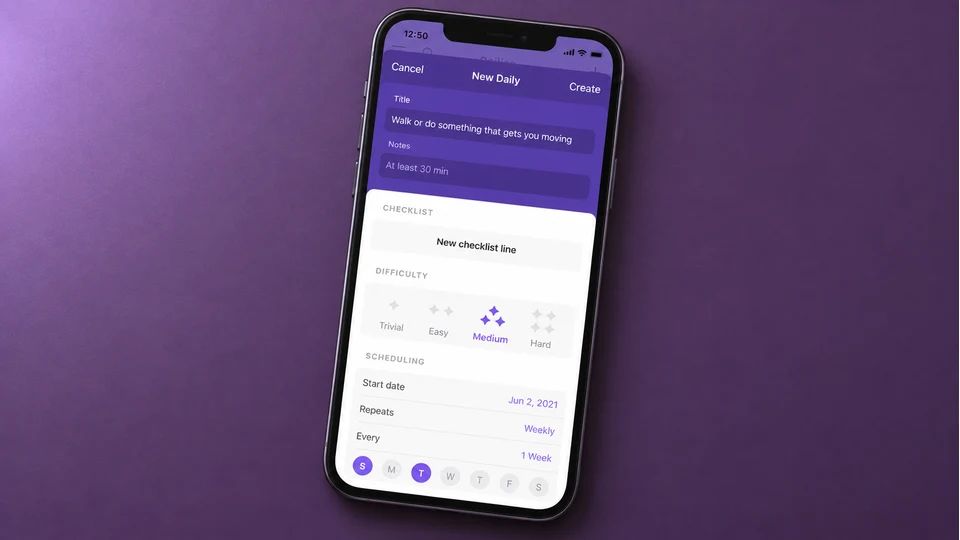
Habitica turns your to-do list into a role-playing game. You build a character, real habits earn gold and experience, and skipping them costs health. Join a party with friends and your slacking affects the group, which stacks a social nudge on top of the fantasy. For people who find plain checklists lifeless, the play can carry you past the dull weeks.
It's free to use, with an optional subscription that adds convenience and cosmetic extras while the core tracking stays free. At the time of writing the subscription runs $4.99 a month or $47.99 a year on the Habitica App Store listing, and there's a matching Android app and a web version, so one account follows you around.
Best for: people motivated by rewards and levelling up who'd enjoy some play with their routine. Not for you if: managing a game would feel like one more chore on top of the habit.
6. Finch: best for self-care alongside habits
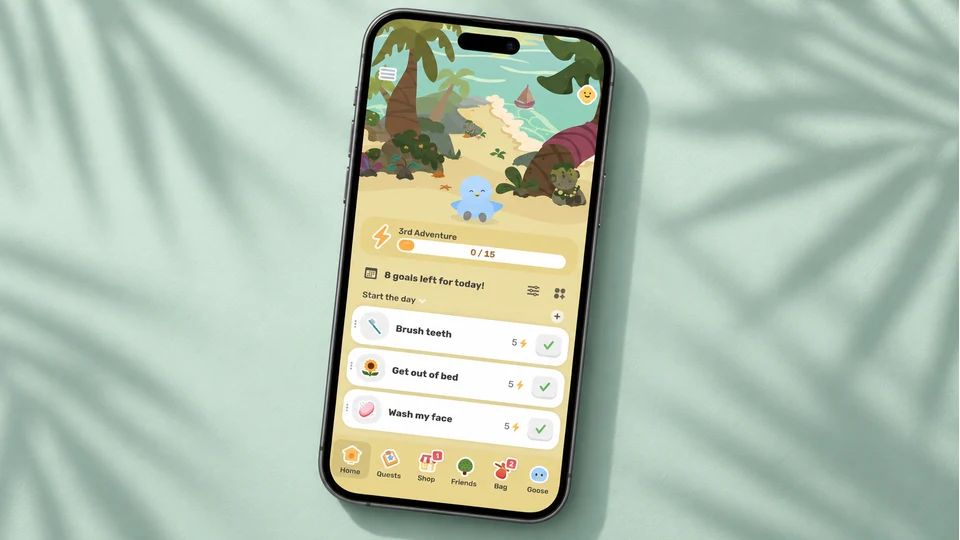
Finch pairs habit tracking with a self-care companion. You look after a small bird by doing gentle daily things, from a breathing exercise to a short walk to a mood check-in, so the app leans as much towards wellbeing as productivity. For readers who find cold checklists off-putting, the softer framing helps a habit feel less like a performance review.
Finch is free to download on iPhone and Android, with an optional Finch Plus subscription for extra customisation, commonly around $9.99 a month or $39.99 a year, though the price moves and is worth checking on your own store page.
Best for: people who want kind wellbeing prompts, not performance metrics. Not for you if: you want precise, no-frills progress data, where Habitify or Loop do more.
7. Streaks: best one-off payment for Apple users
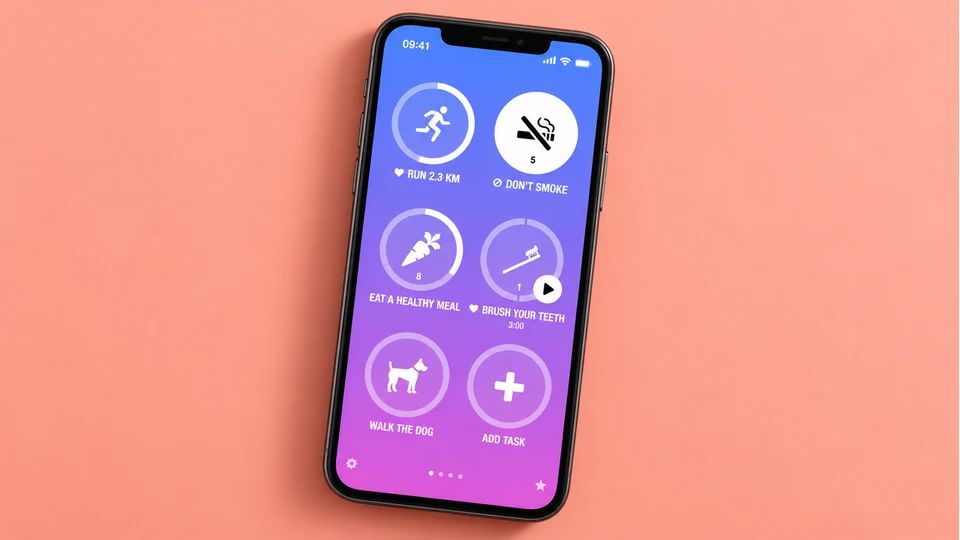
Streaks is an Apple Design Award winner built around a run of consecutive days. You mark a task done, the chain grows, and the pull of an unbroken run does the motivating. It tracks up to 24 tasks and pulls from Apple Health, so water, caffeine and workouts can tick themselves off when your phone already knows.
The pricing is the draw. At the time of writing Streaks is a one-time $5.99 with no subscription, and it runs across iPhone, iPad, Apple Watch and Mac. Prices can vary by region, so check the App Store.
Best for: committed Apple users who like a chain to protect and would rather pay once than add a monthly bill. Worth knowing: a streak-first design can sting if a broken chain is exactly the thing that makes you give up.
8. Way of Life: best for spotting trends over time

Way of Life has been going for years and centres on colour-coded trends. You mark each habit yes, no or skip, and the charts show whether a habit is drifting the right way, which helps for chipping away at something you want to do less of as much as more of. It's a good fit for the analytical sort who thinks in trend lines.
At the time of writing Way of Life is free for up to three habits on iPhone, iPad and Mac, with a premium subscription to lift the cap, and there's an Android version too. Prices vary by plan and region, so confirm before upgrading.
Best for: people who want to break a bad habit as well as build good ones and like a clear trend. Not for you if: you want a warmer, less spreadsheet-like feel.
9. HabitNow: best one-time purchase on Android
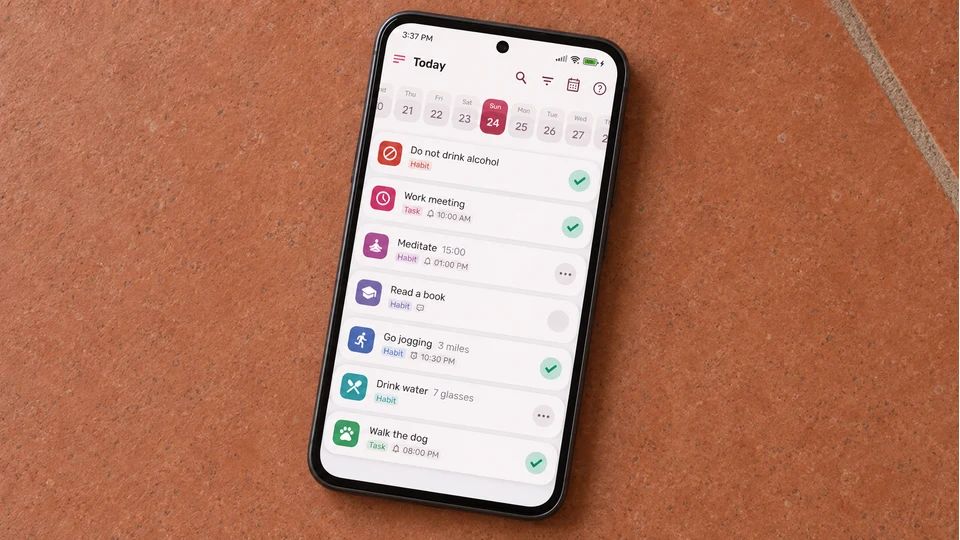
HabitNow gets recommended so often on Android that it's worth knowing why. It's a well-liked tracker with routines, timers, flexible scheduling and clear statistics, and its premium upgrade is a one-time purchase, which many people prefer to yet another subscription.
The catch is the platform. HabitNow is Android only, with no iPhone version, so it won't help if you switch phones. If there's an Android phone in the house, it's a strong, affordable choice with a full free version to try first.
Best for: Android users who want routines and timers and would rather pay once. Not for you if: you use an iPhone or want your data to follow you across platforms.
How to choose the one for you
Start with how you react to a missed day, because that's where most habit tracking falls apart. If a broken streak makes you want to quit, steer clear of the apps that lean hard on unbroken chains and pick one that treats a gap kindly, like Meadow or Loop. If a broken chain fires you up instead, a streak-first app works in your favour.
Then weigh your hardware and your wallet. Living inside Apple's world and want no subscription? Streaks, paid once, is hard to beat. On Android and want free and private? Loop asks nothing of you. Juggling habits and a task list? TickTick keeps them together. After polished charts on every device? Habitify's free tier lets you test before you commit.
Here are the honest shortcuts by use case:
- Kindest on a bad week: Meadow.
- Free on Android: Loop Habit Tracker.
- Habits plus to-dos: TickTick.
- Best data everywhere: Habitify.
- Pay once on Apple: Streaks.
- A game to keep you going: Habitica.
- Self-care leaning: Finch.
Whichever you land on, the act of tracking has evidence behind it. A meta-analysis of 138 studies found that prompting people to monitor their progress towards a goal improved how often they reached it, across many kinds of goal. That doesn't prove any single app will make a habit automatic, but it does mean keeping count earns its place, whatever tool you keep it in.
The harder part comes after you've picked. Choosing a first habit small enough to survive a bad week is where it lives or dies, and our guide to what a good habit tracker does, plus our list of habits to track, will point you somewhere sensible.
Tonight, before you put the phone down, download one app from this list, add a single habit tied to something you already do each day, and set the reminder. That one action is your tracker, already running.
AUTHOR
Co-founder of Meadow.
Ash is co-founder of Meadow, a habit and movement tracking app that turns small acts of self-care into a growing wildflower meadow.
See how far you've come
Your habits, moods and little wins, all in one place
Meadow keeps track of the walks, the water and the good days, so you can look back and watch your effort add up.
Download Meadow