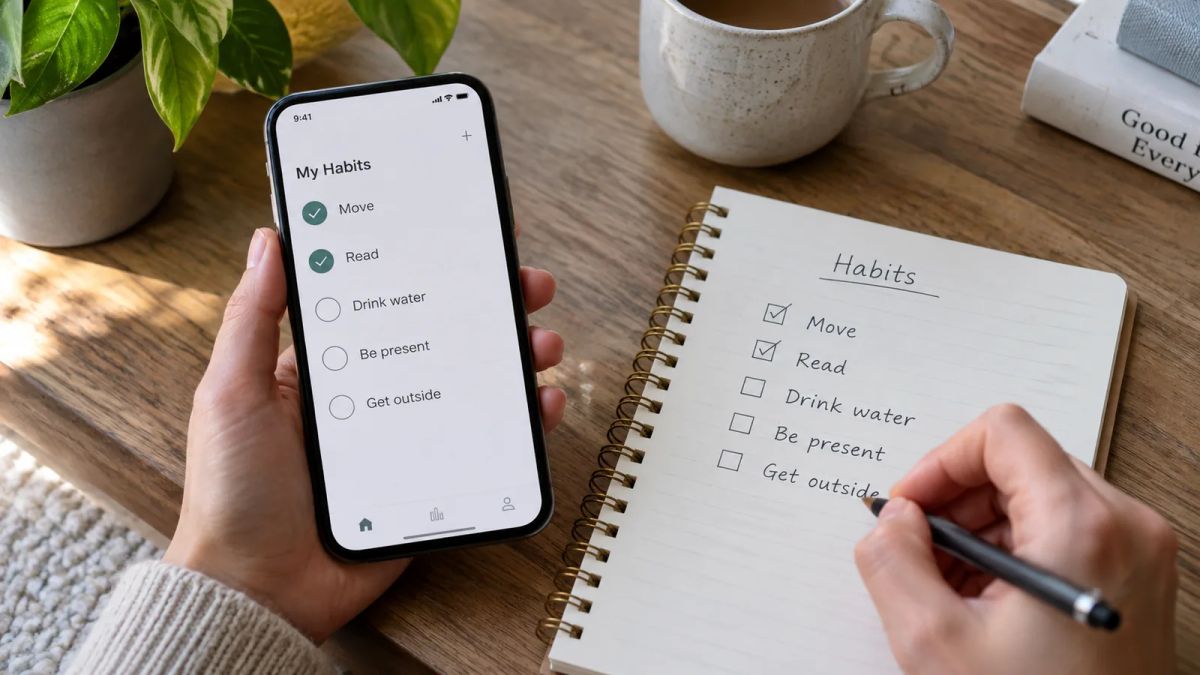

You searched for Loop Habit Tracker on your iPhone and hit a wall, and there's a plain reason for it. Loop is Android only. It's a free, open-source, ad-free app that a lot of people swear by, but it has never had an iPhone build, and the developer distributes it through Google Play and F-Droid only. So if you're on iOS, there's no Loop Habit Tracker iOS app to download, no matter how many times you search.
The listings you'll find with "Loop" in the name on the App Store are made by other developers. They borrow the name, not the code, so they aren't the app people rave about on Reddit. That leaves iPhone users needing a different tool that keeps what made Loop worth loving.
This guide does two things. It's honest about what Loop is and why it earned its fans, and then it lines up the best Loop Habit Tracker alternatives for iPhone, the ones that come closest in feel: simple, private, cheap or free, and light on the guilt. Every app below has its platform and pricing spelled out, hedged where prices move, with real pros and cons.
What Loop is, and why people don't want to let it go
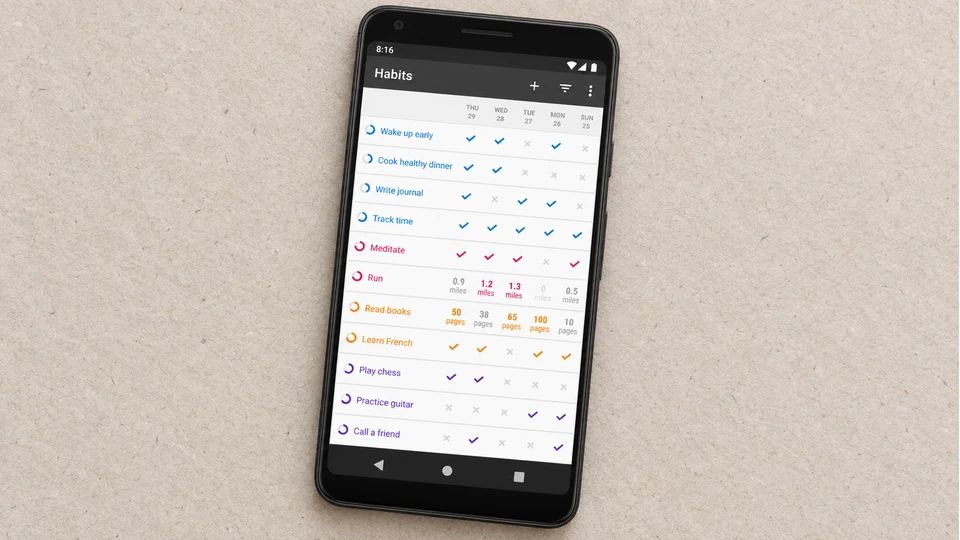
Loop Habit Tracker is open source under the GPLv3 licence, completely free, and carries no ads and no in-app purchases at all. It doesn't ask for an account and doesn't need the internet, so your data stays on your phone and never touches a server. For anyone wary of habit apps that hoover up personal data or nag you into a subscription, that's the whole appeal.
The clever bit is how it scores you. Instead of a plain streak that snaps the moment you miss a day, Loop works out a habit strength score using a formula that rewards repetition and eases off gently when you slip. Miss one day after a long run and the score dips a little, not to zero. It's a kinder model than a chain that shatters, and it's the feature Loop fans miss most when they move.
None of that helps on an iPhone, though, because Loop Habit Tracker is Android only. If you've switched to iOS and you're mourning it, the closest matches are below. And if you happen to still be on Android and want a free Loop-style tracker, HabitNow is the other favourite, with up to seven habits before it asks for a one-time payment.
Here are eight worth your time on iPhone.
1. Meadow: the calm, no-pressure pick
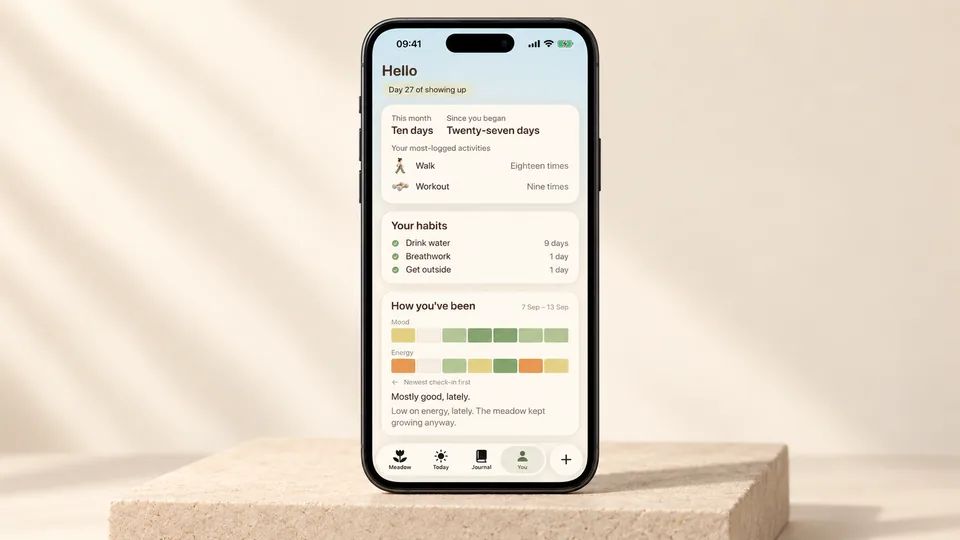
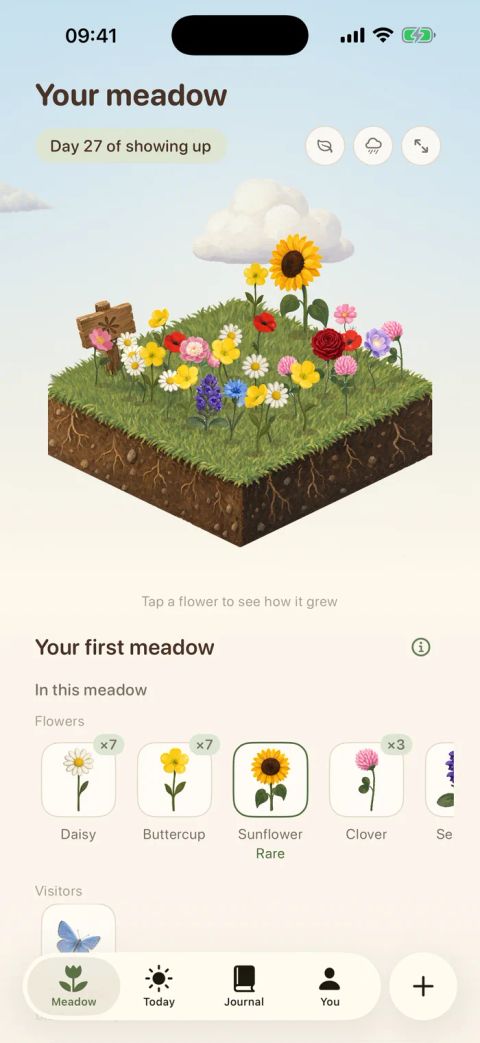
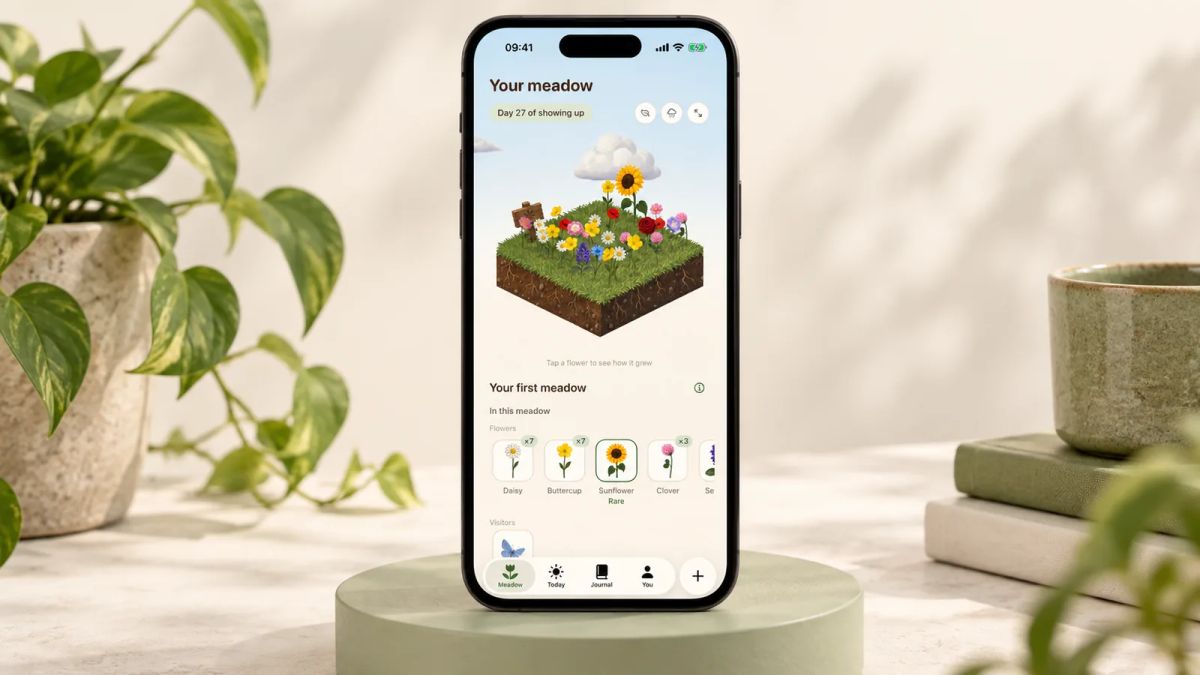
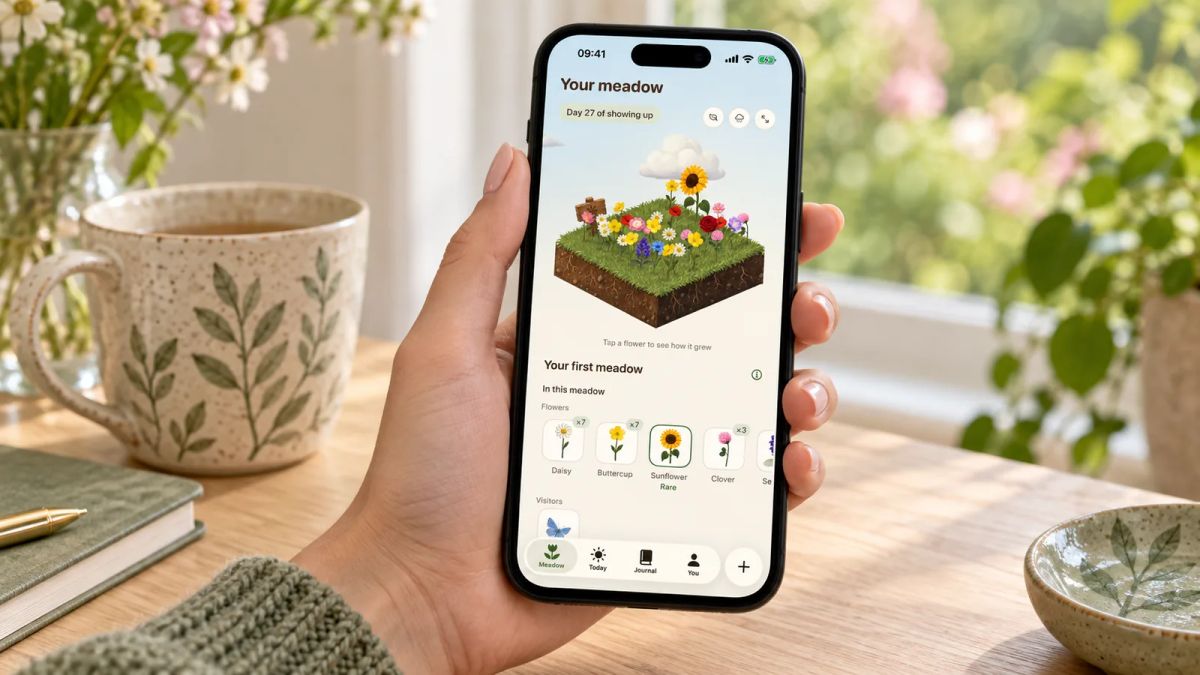
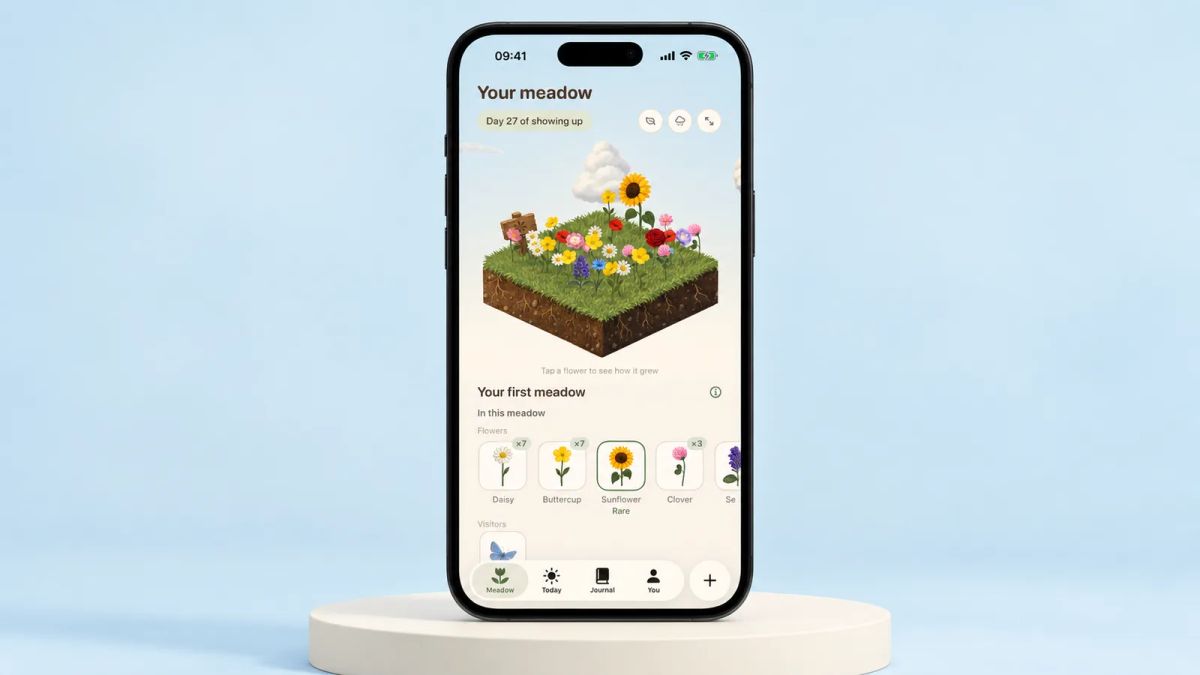
Loop fans tend to like it for the same reason they'd like Meadow. It stays out of your way and doesn't punish an off day. Meadow is an iPhone app that grows a real wildflower meadow from your real-life efforts. You log a walk, a little yoga or a few minutes of movement, tick off small habits like drinking water or getting outside, and note your mood and energy, and each day you show up a new flower blooms in a meadow that's yours alone. Rare flowers and little animal visitors turn up as it fills in. There's a breathwork feature built in too, so you can sit and breathe alongside the meadow you've grown.
The part that echoes Loop is the forgiveness. There are no streaks and no penalties, so miss a day, a week or a month and nothing resets and no flowers wilt. You pick up whenever you're ready.
One honest difference: Loop is free, and Meadow is a paid app, so if paying nothing was the whole point of Loop for you, this won't be your pick. Little and Often is run by the Meadow team, so we'll be straight about that and let you judge. If the calm, visual, low-guilt feel is what you're chasing on iPhone, you'll find Meadow on the App Store.
Best for: people who loved that Loop never shamed them for a gap. Not for you if: a free tracker was the deal-breaker.
2. Streaks: pay once and own it
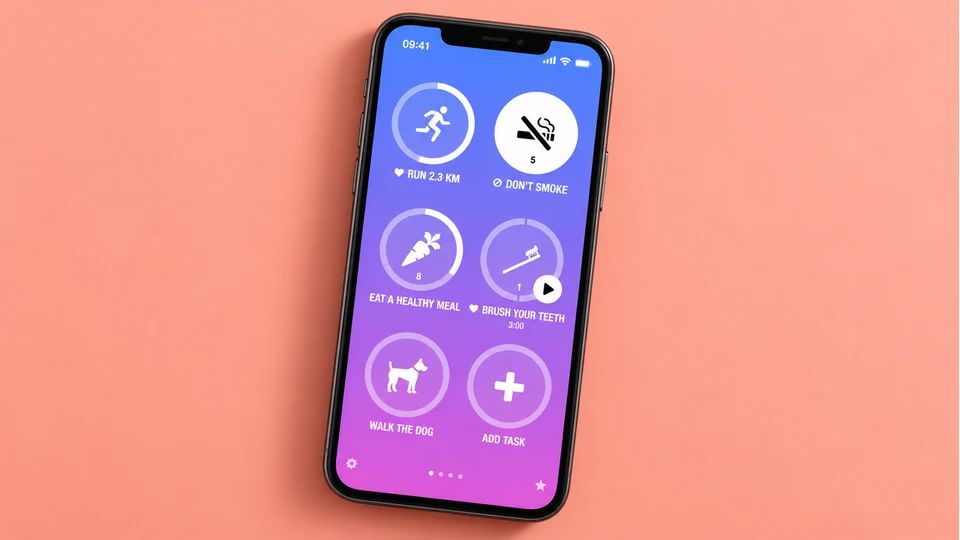
Streaks is the closest thing to Loop's no-subscription spirit on iOS. It's an Apple Design Award winner built around a chain of consecutive days, it tracks up to 24 tasks, and it pulls from Apple Health so things like water, steps and workouts can tick themselves off when your phone already knows you did them.
The draw is the price model. Streaks is a one-time purchase, around $5.99 at the time of writing with no subscription, and it runs on iPhone, iPad, Apple Watch and Mac. Check the App Store for the current figure, since prices shift by region.
Best for: committed Apple users who'd rather pay once than sign up for another monthly bill. Worth knowing: it's streak-first by design, so a broken chain can sting in a way Loop's softer scoring never did.
3. Habitify: the cross-platform all-rounder
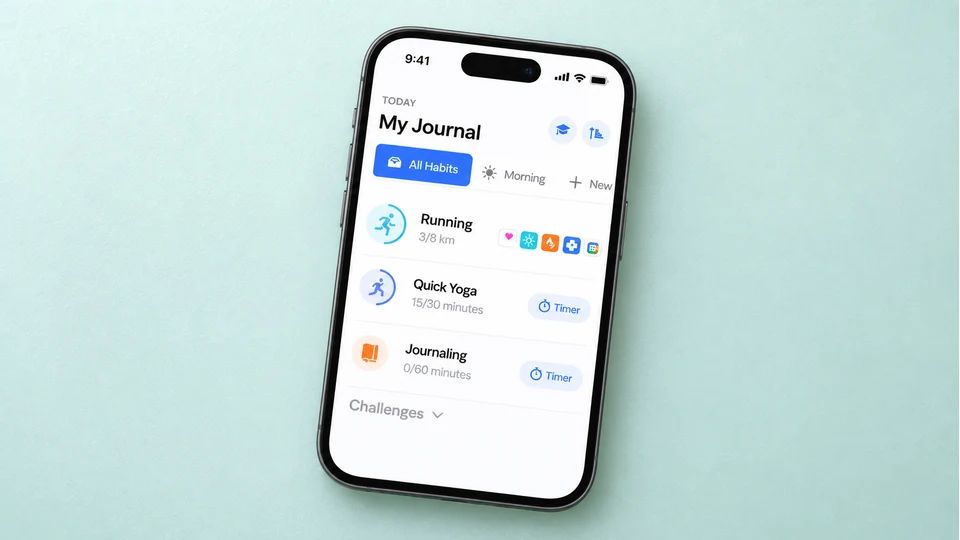
If Loop's simplicity is what you're after but you want it on more than one device, Habitify is tidy and clean. You get calendar streaks, heatmaps, success-rate stats, notes and mood logging, plus links to Apple Health and Google Fit, and it syncs across iPhone, Android, Mac, the web and Apple Watch.
The catch is the free tier. It caps you at three habits, and unlimited habits sit behind Premium, which at the time of writing runs about $2.49 a month billed annually or a one-time $59.99, though it's worth checking the Habitify site as the tiers have been changing. Three habits is the loudest complaint in reviews, since most people who install a tracker want to log more than three things.
Best for: people who want a polished tracker on every device they own. Not for you if: you want everything free the way Loop was.
4. Way of Life: track the trend, not the streak

Way of Life is the pick if what you liked about Loop was seeing whether a habit was heading the right way over time. You mark each habit yes, no or skip, and colour-coded charts show the trend, which helps for chipping away at something you want to do less of as much as more of.
Way of Life is free for up to three habits, with premium commonly around $4.99 a month to lift the cap, and it's on iPhone, iPad and Mac, with an Android version too. Prices vary by plan and region, so check before you commit.
Best for: people who think in trend lines. Not for you if: three free habits won't be enough and a subscription puts you off.
5. Productive: for a day that runs to a routine
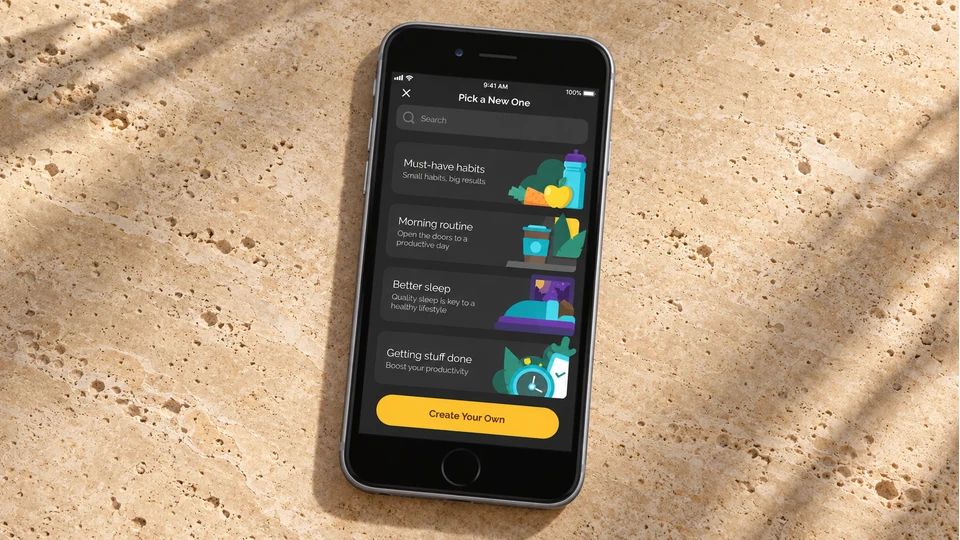
Productive suits mornings and evenings that follow a set order. You group habits into routines, pin them to times of day, and lean on flexible reminders and location prompts to catch you at the right moment. The stats are clear without burying you.
Productive is free to start on iPhone, iPad, Apple Watch and Mac. Premium runs around $10.99 a month or $79.99 a year at the time of writing, with no one-time option, so across a full year it's the pricier subscription on this list.
Best for: people who want their day mapped into timed routines. Not for you if: a plain daily checklist, Loop-style, is all you want.
6. TickTick: habits and to-do lists together
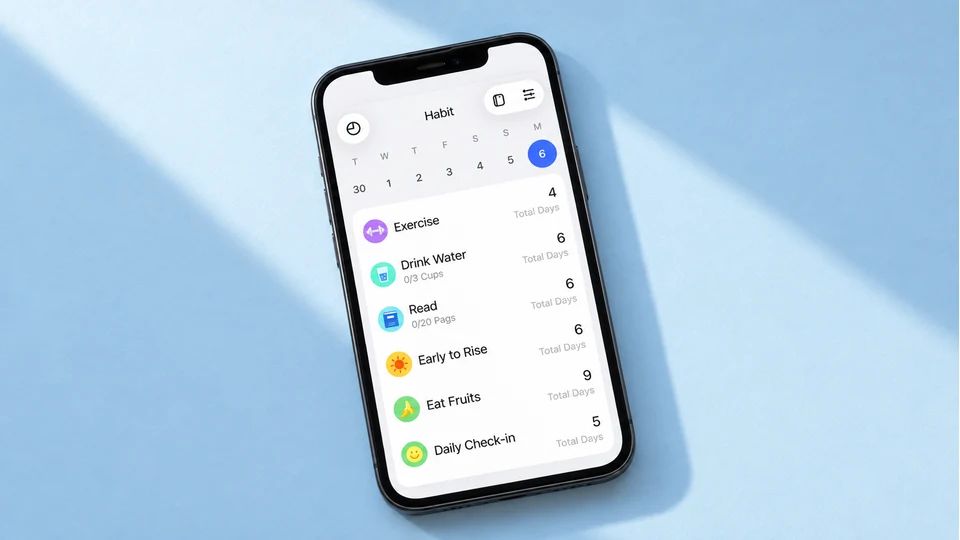
TickTick is a task manager with a habit tracker built in, and that's the point of it. If you'd rather your habits sat next to your tasks, calendar and reminders, one app covers the lot. The habit side gives you streaks, completion rates and trend stats, which is plenty for a handful of routines.
The habit feature works on the free plan but is capped at around five habits, and the fuller experience needs Premium, roughly $35.99 to $49.99 a year depending on where you look. TickTick runs on iPhone, iPad, Android, web, Windows and Mac, so check current pricing in your store.
Best for: people who already want a to-do app and would fold habits into it. Not for you if: habits are your main focus, since the analytics are shallower than a dedicated tracker.
7. Finch: gentle habits with a self-care bird
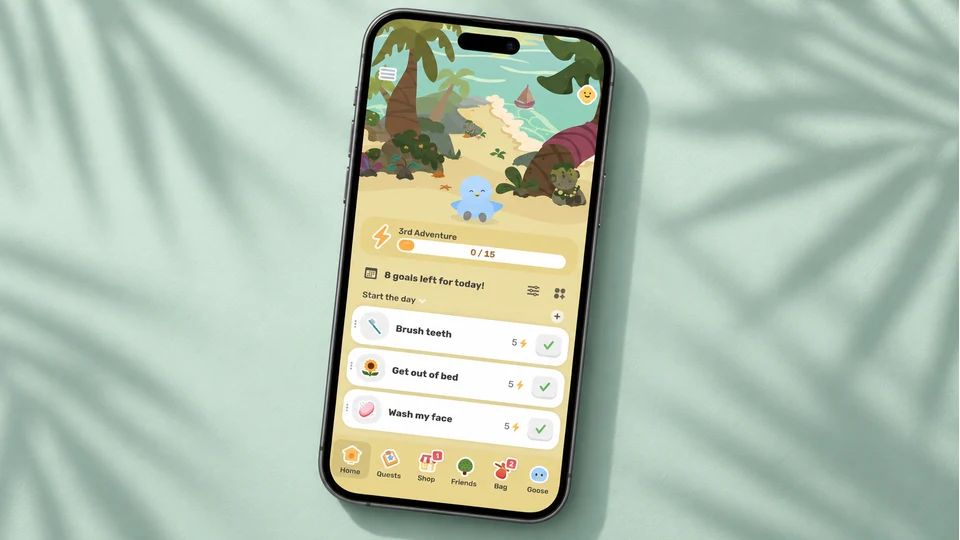
Finch pairs habit tracking with a self-care companion. You look after a little bird by doing small daily things, from a breathing exercise to a short walk to a mood check-in, so the app leans as much towards looking after yourself as towards ticking boxes. If Loop's plain checklist felt a bit cold, Finch is the warm end of the spectrum.
The daily loop, mood tracking, journalling and breathing tools all work on the free tier with no ads, and the optional Finch Plus subscription is mostly cosmetic, adding outfits and soundscapes. Finch is free to download on iPhone and Android.
Best for: people who want warm wellbeing prompts, not cold metrics. Not for you if: you want precise, data-first progress like Loop's strength score.
8. Habitica: turn habits into a game
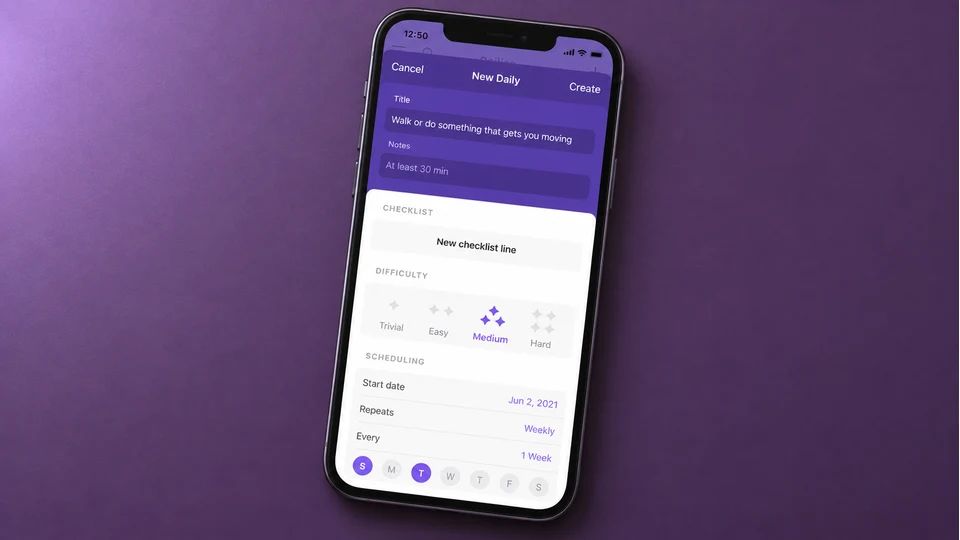
Habitica turns your habits into a role-playing game. You build a character, real tasks earn gold and experience, and skipping them costs health. Join a party with friends and your slacking affects the group, which adds a social pull on top of the fantasy.
It's free to use, with an optional subscription around $4.99 a month or $47.99 a year that adds convenience and cosmetic extras while the core tracking stays free. Habitica runs on iPhone and iPad, with an Android app and a web version.
Best for: people who light up at rewards and levelling up. Not for you if: the game upkeep would feel like another chore.
How to choose your Loop Habit Tracker iOS alternative
Start with what drew you to Loop in the first place, because that points straight at the replacement.
- You loved that it was free and private. Nothing on iOS matches Loop's free, offline, no-account setup exactly, but Streaks gets you close for one small payment and no subscription, and Finch keeps its core tools free.
- You loved the gentle scoring that didn't punish a miss. Meadow is the closest in spirit, with no streaks to break, and Way of Life at least lets you log a skip without wrecking a trend.
- You loved the simple daily checklist. Habitify and Way of Life keep it plain, both free for three habits before they ask for money.
- You want more than Loop offered. TickTick folds habits into a full to-do app, and Productive builds your day into timed routines.
Here are the quick shortcuts:
- Pay once, no subscription: Streaks.
- Free to start on iPhone: Habitify, Way of Life or Finch, each with limits.
- Habits beside your tasks: TickTick.
- A game to keep you going: Habitica.
- Kindest on a bad week: Meadow.
Whichever you land on, the act of tracking itself has evidence behind it. A meta-analysis of 138 studies found that prompting people to monitor their progress towards a goal improved how often they reached it, across many kinds of goals. That doesn't prove any one app will make a habit automatic, but it does mean keeping count earns its keep, whatever you keep it in.
If you want to dig deeper before you decide, our guide to the best habit tracker app for iPhone goes app by app for iOS, and our habit tracker explainer covers what a good one should do. Coming from a specific app is worth reading around too, so if you were weighing Habitify against the field, our Habitify alternatives roundup lines those up side by side.
Before you close this tab, pick one app from the list, add a single habit tied to something you already do each morning, and set the reminder. That one move is your new tracker, already running, and you're no longer waiting on an iPhone version of Loop that isn't coming.
AUTHOR
Co-founder of Meadow.
Ash is co-founder of Meadow, a habit and movement tracking app that turns small acts of self-care into a growing wildflower meadow.
Little and often, with Meadow
Consistency, not intensity.
Meadow turns the movement you enjoy and the habits that help you feel good into a meadow of wildflowers. No streaks to break, and your flowers never wilt.
Download Meadow